B2B Ordering Portal for Wholesalers

Let your dealers order at midnight and your sales reps take orders on a tablet in the field, all from the same price list, the same stock and the same customer account.

24/7 Dealer Ordering Portal Field Sales Tablet App Account and Credit Limit Control ERP / Accounting Integration
PriceFixed-price project quote, within 24 hours
Phone+90 850 335 10 87
E-mailinfo@360-soft.com
B2B Ordering Portal for Wholesalers

Where wholesalers’ sales operations get stuck

In wholesale and distribution, sales run along two tracks: regular dealers who order from their desks, and outlets visited in the field. Both tracks end at the same warehouse, the same customer account and the same accounting system. Problems usually arise because the two tracks work without knowing about each other.

1. Orders arrive scattered across phone, WhatsApp and e-mail

Each channel lands with a different person and is then keyed into the ERP by hand. Messages that arrive after hours wait until morning, and a misread product code turns into a wrong shipment. A portal where dealers enter their own orders moves the data entry workload back to its source.

2. Sales reps do not know current prices and stock

If a rep in the field is working from a printed price list or an old Excel file, the prices they quote and the delivery dates they promise conflict with head office. In a tablet or phone app, current prices, promotions and warehouse stock are visible, and the order is completed beside the customer, with their approval.

3. Credit limit breaches are spotted after shipment

Shipping new goods to a customer whose debt is already over the limit makes the collections problem worse. Checking the account balance and credit limit at the moment of ordering, and routing over-limit orders for approval, catches this risk before shipment.

4. Visit and collection performance cannot be measured

When nobody knows which rep visits which customer how often, how many visits end in an order and how much is collected in the field, territory planning is guesswork. Route, visit and collection records generate this data on their own.
Wholesale B2B and field sales modules

Dealer Ordering Portal

A catalogue with dealer-specific prices and discounts, quick ordering by product code or barcode, repeat previous orders, and bulk order upload from Excel.

Field Sales Tablet App

Customer card, current balance and risk, product catalogue, order and return entry, customer approval by digital signature, and offline working.

Route and Visit Planning

Weekly routes per rep, visit start and end logging, visit outcomes (order, declined, postponed) and notes.

Accounts, Credit and Collections

Credit limit checks at the moment of ordering, an approval flow, field collection receipts, and statements and online payment in the dealer panel.

Pricing and Promotion Engine

Customer group pricing, tiered discounts, free-goods promotions and conditional discounts by product group.

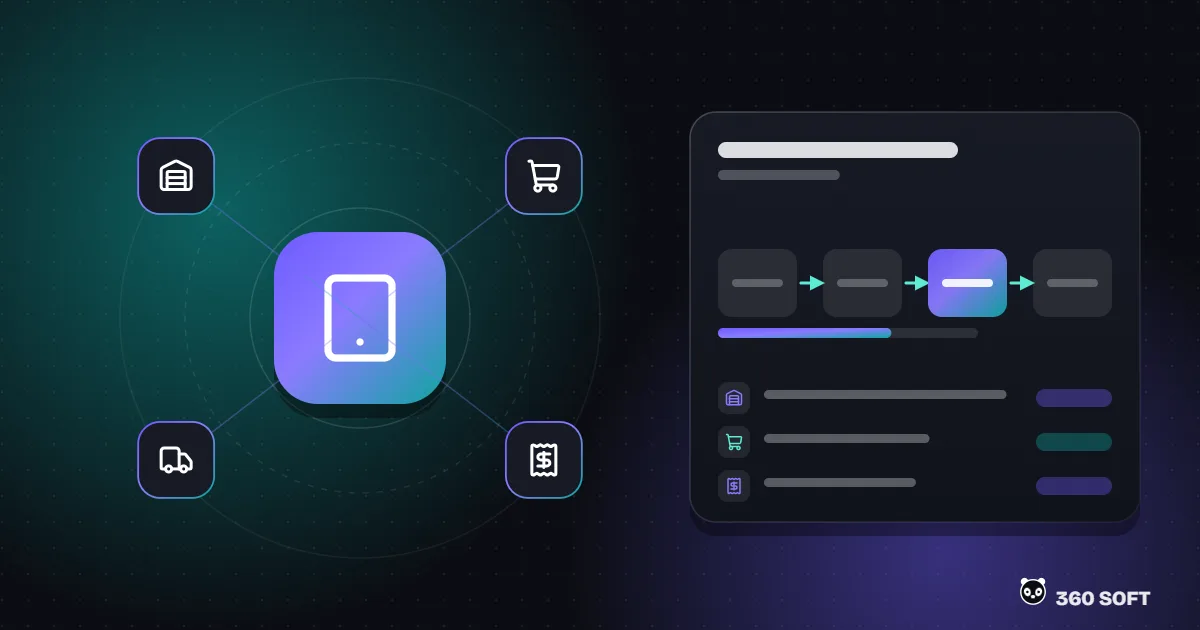
ERP / Accounting Integration

Accounts, stock and prices read from the ERP, approved orders written back as sales orders, and invoices reflected back to the portal.

Warehouse and Dispatch Link

Approved orders drop onto the warehouse picking list, and dispatch status and delivery note details are sent to the dealer.

WhatsApp Ordering Assistant

Dealers can check their balance, order status and product stock over WhatsApp, and send orders in a defined format.

Who does what, on which screen? - B2B Ordering Portal for Wholesalers

Who does what, on which screen?

User What do they do? Which screen do they use?
Dealer / customer Places orders, views balance and statement, makes payments Web portal and mobile-friendly panel
Sales rep Visits customers, takes orders and collections, records returns Tablet / phone app
Sales manager Plans routes, approves over-limit orders, monitors performance Admin panel and reports
Warehouse Picks and ships approved orders Picking list or handheld terminal
Accounting Issues invoices, posts collections Existing ERP / accounting software

Go-live steps

01

Process and data analysis

We review your order channels, pricing and discount rules, credit limit policy and your ERP’s integration method.

02

Integration layer

The connection that reads accounts, stock and prices from the ERP and writes orders back is built and tested first; the portal and app sit on top of this layer.

03

Dealer portal

Catalogue, ordering, balance and statement screens are built and trialled with selected pilot dealers.

04

Field sales app

Route, visit, order and collection flows are built; field tests are run with a few reps, and screens are simplified based on their feedback.

05

Rollout

Migration of all dealers and reps, user training, and activation of reports and automations.

A layer that works alongside your existing systems - B2B Ordering Portal for Wholesalers

A layer that works alongside your existing systems

This solution brings together our B2B portal development, mobile app development and ERP integration services, shaped around the distribution business model. For tracking the quote and order process on the account manager side, see our quote and order management page; for tracking sales team targets and performance, see our sales tracking system page.

For dealer relationships and promotional communication, portal data can be combined with CRM software, so dealers who have stopped ordering automatically receive reminders or seasonal promotion notices.

In the van sales model common in distribution, the rep’s vehicle works like a mini warehouse. In that case van stock, start-of-day loading and end-of-day return and count screens are added to the app, and sales invoiced from the van and collections taken are sent to head office for reconciliation at the end of the day. Pre-selling (taking the order and shipping the next day) and van sales can be defined per rep in the same system.

Pricing: Fixed-price project quote, within 24 hours. Share the ERP you use and your approximate number of dealers and reps in the quote form.

No. The portal and the field sales app are installed alongside your existing ERP or accounting software. Customer accounts, stock, price lists and balances are read from it, and approved orders are written back to it as sales orders. The integration method (API, web service, database view or file transfer) depends on the software you use and is reviewed before we quote.

An offline mode can be designed: the product catalogue, price lists and the rep’s customer list are stored on the device, orders are saved while there is no connection and sent to head office once it returns. In that case the credit limit and stock checks are run again on reconnection and the rep is notified of the result.

Yes. Customer groups, dealer-specific prices, product group discounts, quantity tiers and seasonal promotion rules can all be defined. If the rules are kept in the ERP they are read from there; if they are to be kept on the portal side, they are edited from the admin panel.

The dealer panel can list the current balance, amounts falling due, account statement and past invoices. If a payment gateway is integrated, dealers can pay by card through the portal and the payment is posted to their account automatically.

Our B2B portal development page describes general dealer portal architecture. This page focuses on the specific needs of wholesalers and distributors: distribution-specific modules such as field selling by sales reps, route-based visits, van sales, credit limits and collections tracking.

There is no published package price for this service on our site. Once the number of dealers and sales reps, the ERP integration method and the required modules are clear, we prepare a fixed-price quote specific to your project; the quote is sent within 24 hours.

The next success story
is yours.

The first consultation is free. We prepare a tailored proposal within 24 hours.

Get a free quote