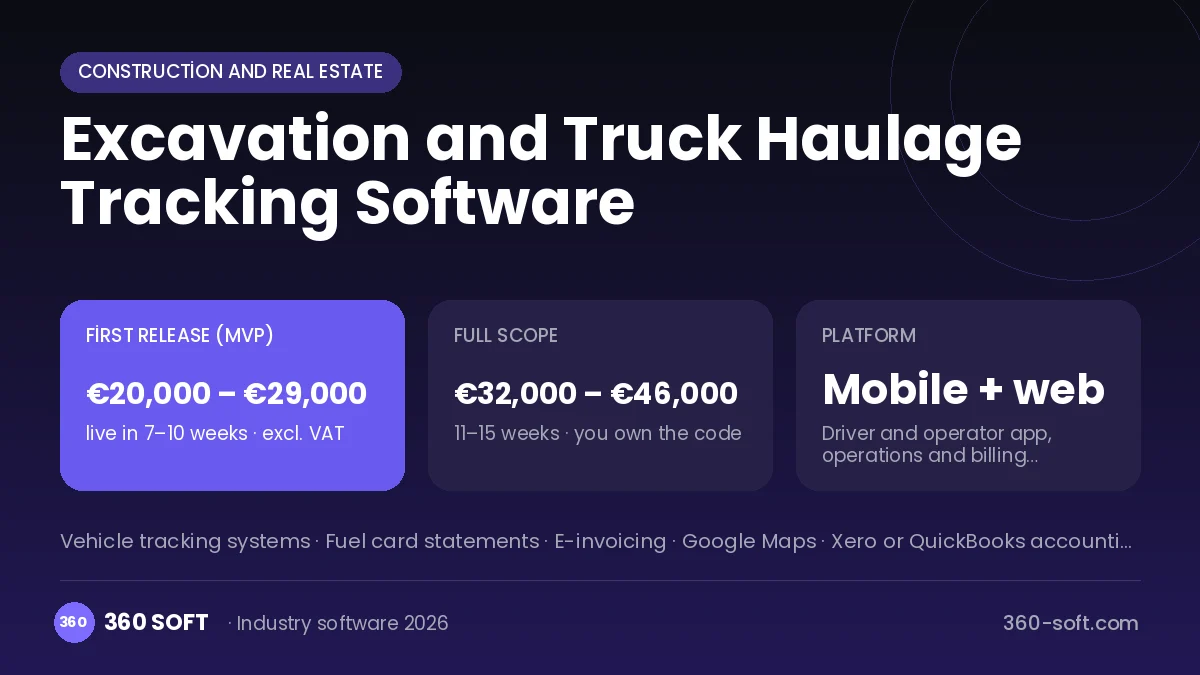
In earthmoving, money is earned by the trip, yet trips are usually counted from what the driver says or from paper tickets handed out at the tip site. Tickets get lost, the customer disputes the number of loads, and nobody knows how much fuel each truck burns. In the system we build, the driver records every loading and tipping with a single tap on the phone, and the tip site ticket is attached as a photo. Excavator hours, fuel purchases and trips are collected per job, and the billing report for the customer is ready day by day.
Problems haulage firms face
- Disputes with customers over the number of trips
- Tip site tickets getting lost
- No view of fuel and profit per truck
- Machine working hours kept by hand
Modules
Trip log
Trip entries stamped with location and time at loading and tipping.
Tip tickets
Photo of the tip site ticket matched to the ticket number.
Machine hours
Working hours and operator records for excavators and loaders.
Fuel tracking
Fuel purchases, mileage and consumption per trip by vehicle.
Customer billing
Trip summary by job, day and vehicle with a draft invoice.
Vehicle documents
Date alerts for inspections, insurance and waste carrier permits.
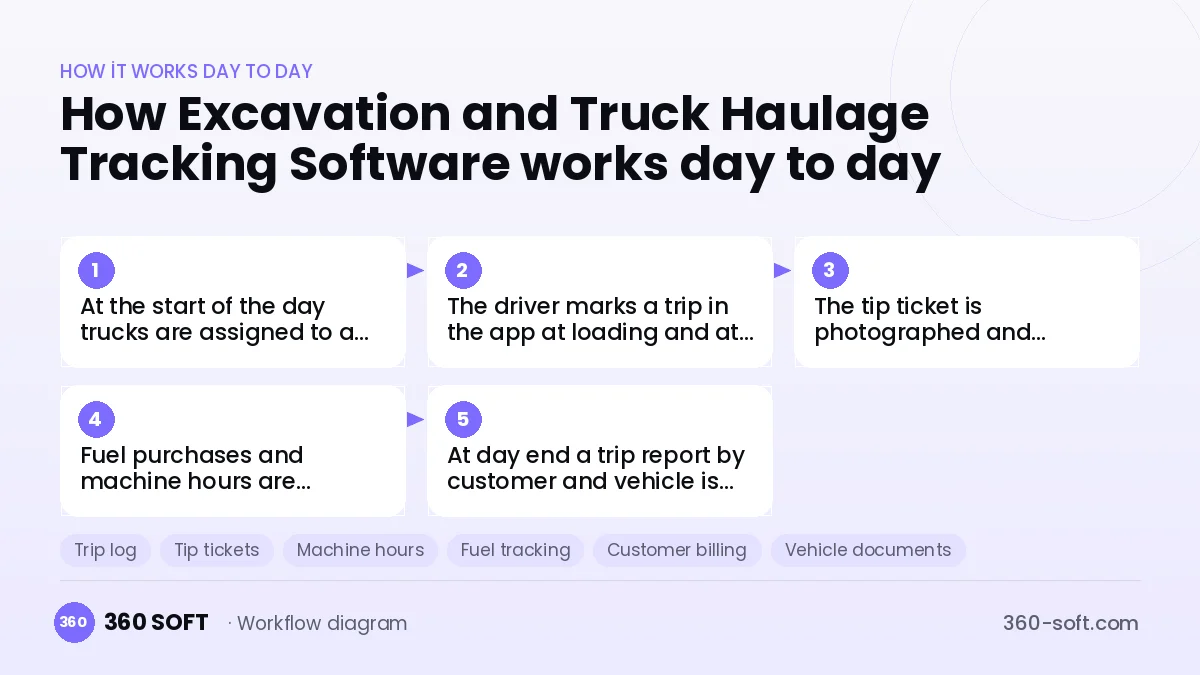
How it works day to day
- 1
At the start of the day trucks are assigned to a job and site.
- 2
The driver marks a trip in the app at loading and at tipping.
- 3
The tip ticket is photographed and attached to the trip.
- 4
Fuel purchases and machine hours are entered during the day.
- 5
At day end a trip report by customer and vehicle is produced.
Integrations
Off-the-shelf software or custom-built?
When off-the-shelf is enough
For small businesses running a few trucks, Excel and generic vehicle tracking apps can get by for a while.
When custom software pays off
As the fleet grows, a custom system that brings trips, tip tickets and machine hours together reduces both collection disputes and fuel leakage.
How the budget is built
We launch the workflow that saves you the most time first, then add modules based on real usage. The full scope below is calculated with 16 screens and 9 modules; the final price follows a free discovery call and a written scope.
Maintenance and improvements (optional): €400 / month. Hosting, SMS, WhatsApp and app store fees are listed separately.
Frequently asked questions
Will drivers find the app hard to use?
Screens are designed with large buttons, and a trip is recorded with one tap.
Can trips be counted automatically from a vehicle tracker?
With devices that share data, trip suggestions can be generated from entries and exits at site and tip locations.
Can the customer see the trip report?
If you wish, the customer gets a link showing only the trips and ticket photos for their own job.
Are hired-in trucks tracked too?
Yes, external trucks are set up separately and their per-trip payments are calculated on their own.