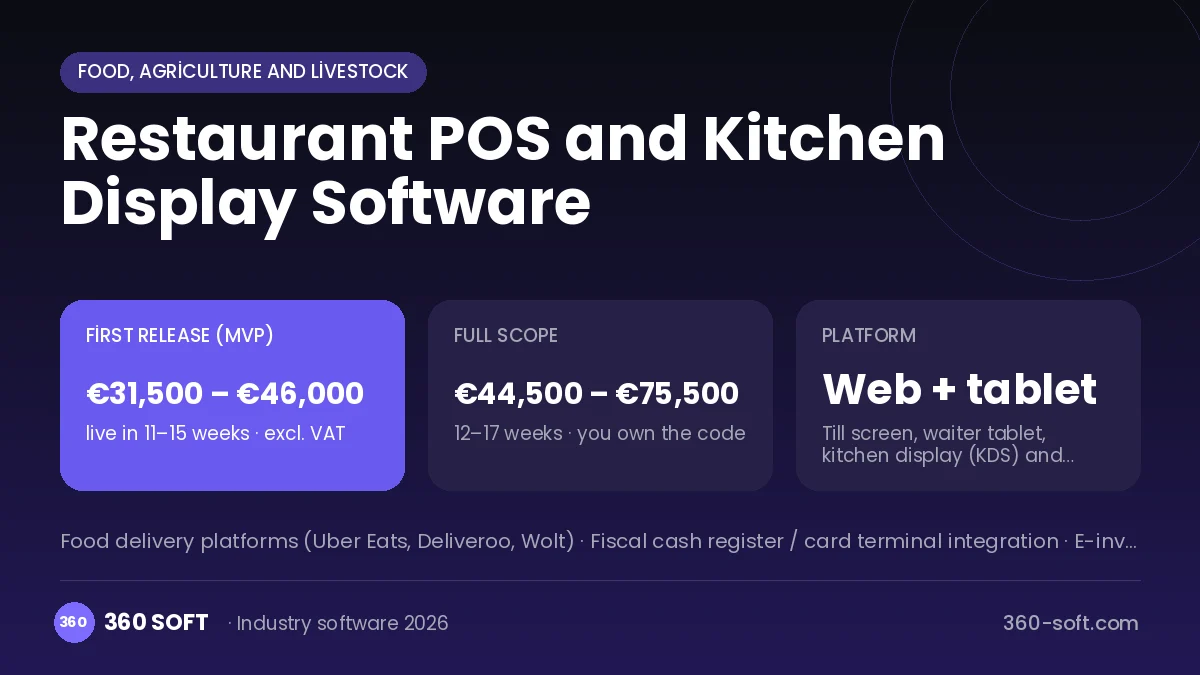
In restaurants that run on paper tickets at peak service, orders get mixed up in the kitchen, nobody can see which table is waiting, and orders from delivery platforms pile up on separate tablets. At month end it is also unclear which dishes really make money and how much stock the recipes actually consumed. In the system we build, the waiter enters the order on a tablet at the table, the order lands on the kitchen display by station and preparation time is tracked. Delivery platform orders join the same flow, each sale deducts stock by recipe, and product profitability is ready at end of day.
Problems we see in restaurants
- Orders mixed up or forgotten on paper tickets
- Separate tablets for each delivery platform
- Pricing without knowing recipe cost and waste
- Cash differences and comps with no control
Modules
Tables and bills
Floor plan, table merge and transfer, split bills and comp authority.
Waiter tablet
Order entry at the table with menu, portions, notes and extras.
Kitchen display (KDS)
Order screen and timing by hot, cold and bar stations.
Recipes and stock
Recipe-based ingredient deduction, stocktakes, waste and supplier orders.
Delivery integration
Orders from food delivery platforms collected into a single flow.
Reports
Product profitability, hourly sales, waiter performance and till reports.
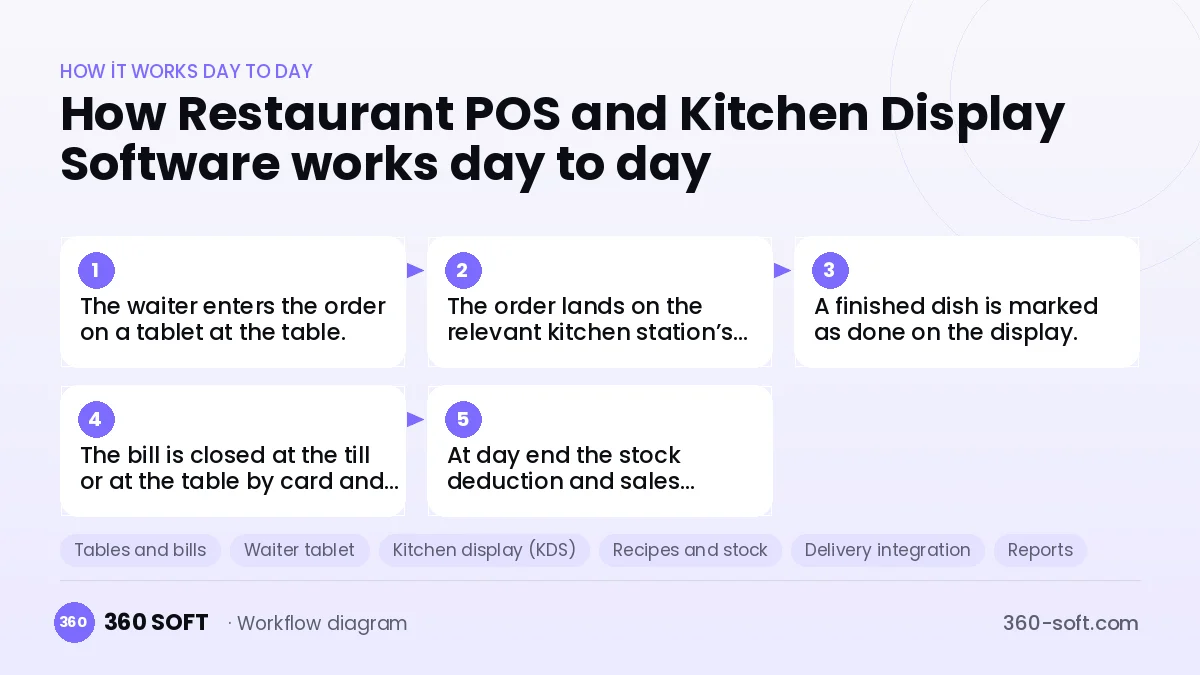
How it works day to day
- 1
The waiter enters the order on a tablet at the table.
- 2
The order lands on the relevant kitchen station’s screen.
- 3
A finished dish is marked as done on the display.
- 4
The bill is closed at the till or at the table by card and a receipt is issued.
- 5
At day end the stock deduction and sales report are generated.
Integrations
Off-the-shelf software or custom-built?
When off-the-shelf is enough
For single-site restaurants with a standard menu, off-the-shelf POS software is usually enough.
When custom software pays off
If you need multiple sites, central recipe and cost management, your own ordering channel and custom reports, a custom system raises profitability noticeably.
How the budget is built
We launch the workflow that saves you the most time first, then add modules based on real usage. The full scope below is calculated with 22 screens and 10 modules; the final price follows a free discovery call and a written scope.
Maintenance and improvements (optional): €600 / month. Hosting, SMS, WhatsApp and app store fees are listed separately.
Frequently asked questions
Does it integrate with a fiscal cash register or card terminal?
With modern fiscal registers and card terminals that support integration, the bill amount is passed straight to the terminal.
Does service stop if the internet goes down?
With local network operation, ordering and the kitchen flow continue and sync to head office once the connection returns.
Can we import our existing menu and recipes?
Menus, prices and recipes are imported from Excel and checked together during setup.
Can menu and prices be managed centrally across sites?
Yes, head office publishes the menu; site-specific prices and the right to switch items off can be set.