Selling an appliance does not end in the shop: the product leaves the warehouse, a delivery day is agreed with the customer, a crew installs it, the old unit is taken away and the serial number is recorded for the warranty. When these steps run on the phone and on paper, deliveries slip and the customer blames the retailer, not the brand. In the system we build, a delivery and installation slot is agreed with the customer at the point of sale, and a daily delivery route is built around crew capacity. The crew scans the serial number in the app, takes an installation photo and a signature, and the old unit trade-in and any service need are recorded.

Problems appliance retailers face
- Delivery days arranged by phone and getting mixed up
- Serial numbers of sold units not recorded
- No plan for the delivery crew’s daily route
- Late collection on instalment sales
Modules
Sales and instalments
In-store financing, credit card payments and promotions, plus trade-in of old units.
Serial-numbered stock
Serial number, warehouse, branch and delivery status per product.
Delivery plan
Delivery day and time window by area and crew capacity.
Delivery crew app
Daily route, serial number scan, installation photo and signature.
Installation and service
Built-in appliance fitting, set-up and referral to the authorised service centre.
Customer alerts
Delivery day, on-the-way and post-delivery satisfaction messages.
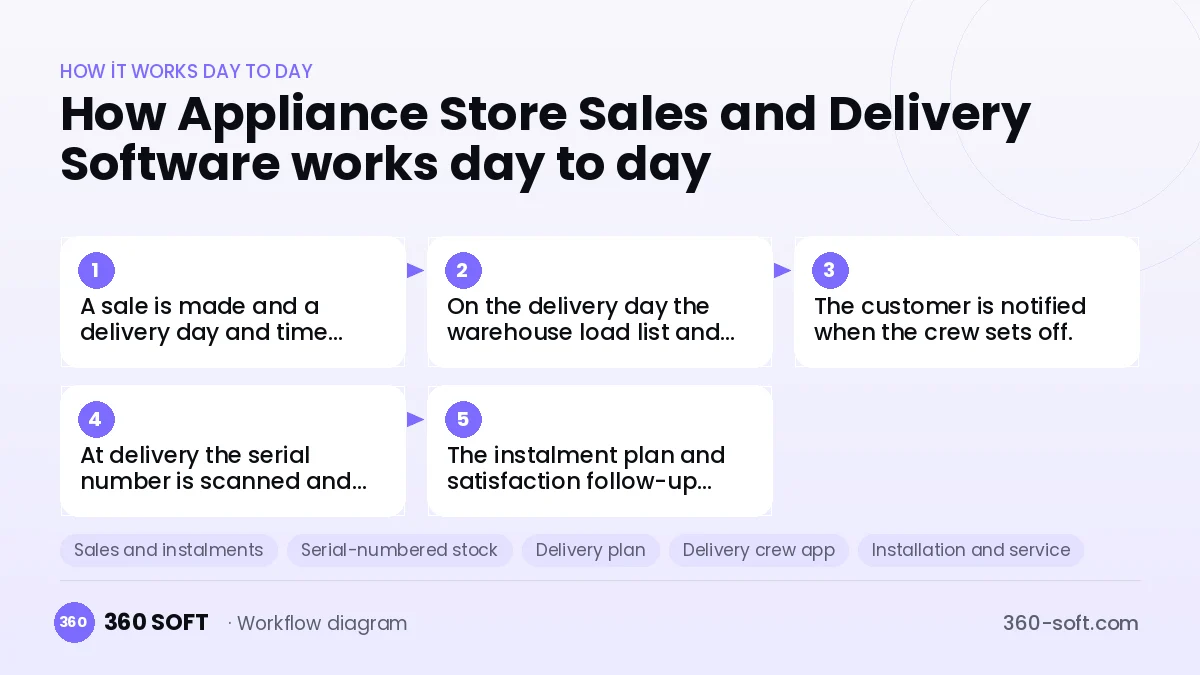
How it works day to day
- 1
A sale is made and a delivery day and time window are chosen with the customer.
- 2
On the delivery day the warehouse load list and route are prepared.
- 3
The customer is notified when the crew sets off.
- 4
At delivery the serial number is scanned and an installation photo and signature are taken.
- 5
The instalment plan and satisfaction follow-up continue in the system.
Integrations
Off-the-shelf software or custom-built?
When off-the-shelf is enough
For small retailers without their own delivery crew, standard sales and stock programs can be enough.
When custom software pays off
For retailers with several delivery crews, branches and a high volume of instalment sales, a custom system that runs from sale to installation reduces delivery problems and customer complaints.
How the budget is built
We launch the workflow that saves you the most time first, then add modules based on real usage. The full scope below is calculated with 20 screens and 11 modules; the final price follows a free discovery call and a written scope.
Maintenance and improvements (optional): €500 / month. Hosting, SMS, WhatsApp and app store fees are listed separately.
Frequently asked questions
Is the serial number captured for the brand warranty?
Yes. The serial number scanned at delivery is stored with the customer and invoice details.
How is delivery capacity planned?
Daily slots are defined by crew count, area and product type, and full days are visible at the point of sale.
How is a trade-in handled?
The trade-in value is applied as a discount on the sale and the collected unit is tracked in a separate stock.
Can the delivery crew use it on a smartphone?
Yes. The app is kept simple, and the route, scan and photo take just a few taps.