In a law firm, a single missed deadline can have consequences that are hard to undo. With hearing dates in a diary, response and appeal deadlines in a lawyer’s head and expense advances in a separate spreadsheet, tracking gets harder as the firm grows, and clients keep calling to ask where their case stands. In the system we build, every matter is opened with case number, court and parties; hearings and hard deadlines land in the calendar and the responsible lawyer is alerted as they approach. Clients book appointments online and follow expenses, fee movements and a case summary on their own page.
Problems we see in firms
- Risk of missing hearings and hard deadlines
- Expense advances and disbursements getting mixed up
- Clients constantly calling for an update
- Case documents scattered across different folders
Modules
Matter management
Litigation, enforcement and advisory files, with parties, court and case number.
Hearing and deadline calendar
A calendar with reminders for hearings, site visits and hard deadlines.
Client appointments
Online booking based on lawyer and meeting-room availability.
Expenses and fees
Expense advances, court fees and disbursements, plus fee instalments.
Document archive
Pleadings, decisions and documents downloaded from the court e-filing system stored on the file.
Client page
Sharing of a case summary, the next hearing and account movements.
How it works day to day
- 1
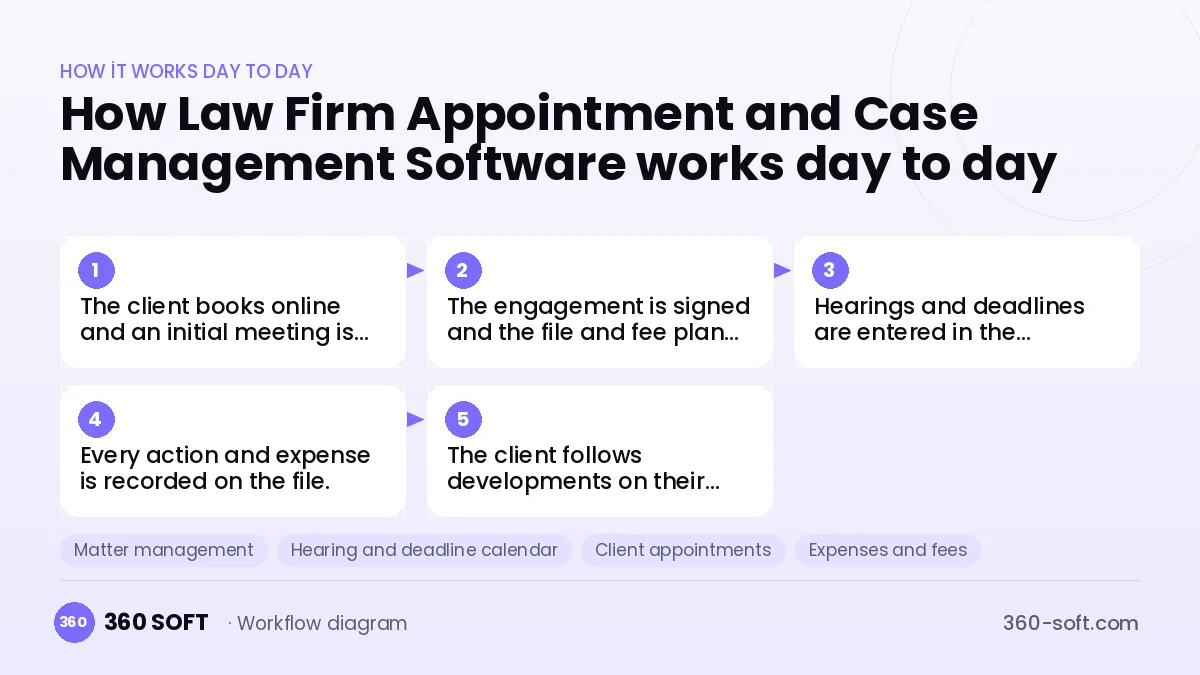
The client books online and an initial meeting is held.
- 2
The engagement is signed and the file and fee plan are opened.
- 3
Hearings and deadlines are entered in the calendar and alerts are set.
- 4
Every action and expense is recorded on the file.
- 5
The client follows developments on their own page and through notifications.
Integrations
Off-the-shelf software or custom-built?
When off-the-shelf is enough
For single-lawyer practices, off-the-shelf legal software covers file and calendar needs.
When custom software pays off
For multi-lawyer firms with corporate clients that want client-specific reporting, a system built around your workflow is more efficient.
How the budget is built
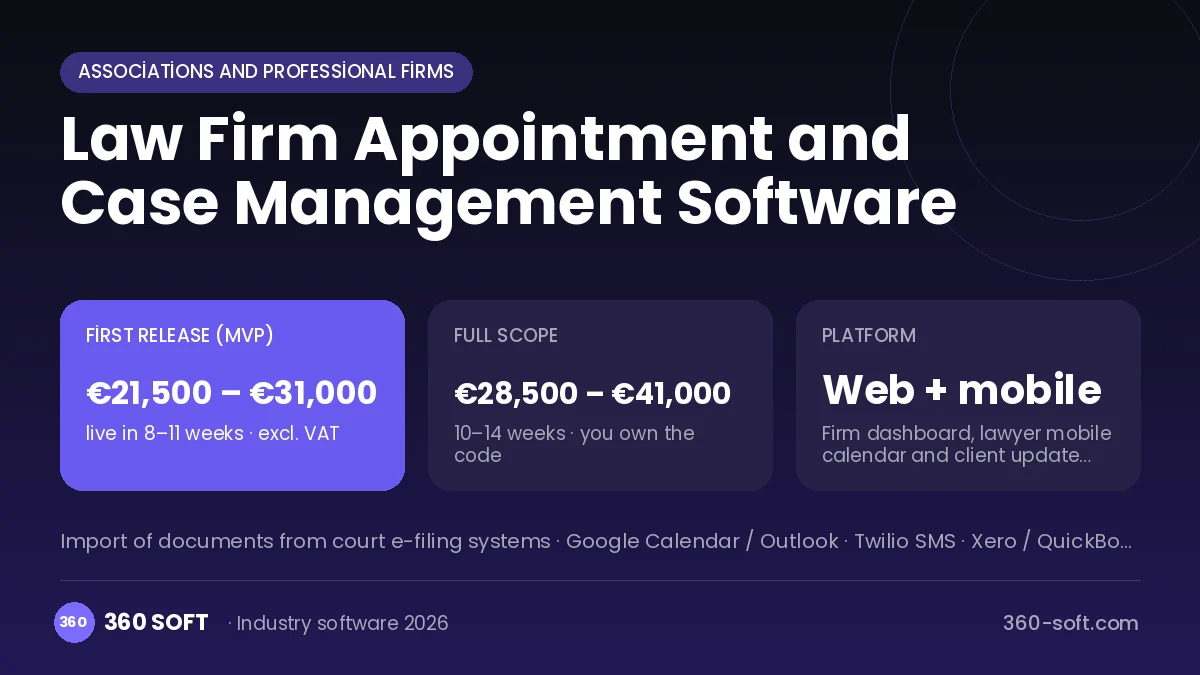
We launch the workflow that saves you the most time first, then add modules based on real usage. The full scope below is calculated with 18 screens and 9 modules; the final price follows a free discovery call and a written scope.
Maintenance and improvements (optional): €400 / month. Hosting, SMS, WhatsApp and app store fees are listed separately.
Frequently asked questions
Is there a direct integration with the court e-filing system?
Because the options such systems offer are limited, documents are added to the file from downloaded files, while deadlines and hearings are kept in the calendar.
Is client information kept confidential?
Data is stored encrypted, each lawyer sees only the files they are authorised for, and every access is logged.
Can we migrate our old files?
File, client and deadline lists are imported from spreadsheets or your old software.
Can lawyers use it from their phones while in court?
Yes, the mobile calendar, file summary and note-taking all work on a phone.