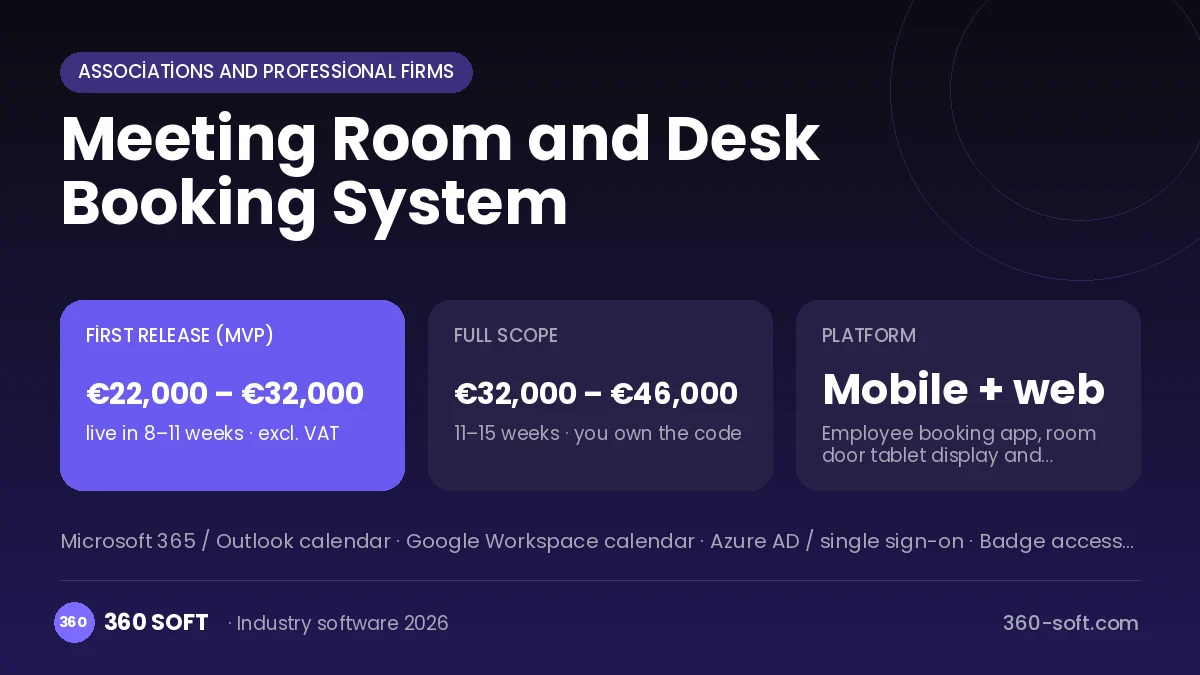
In companies that have moved to hybrid work, meeting rooms get booked but not used, and employees who come into the office cannot find a free desk. Nobody knows that a room showing as busy in the calendar is actually empty, how many desks are really used, or whether the office space is sized correctly. In the system we build, employees pick a desk or room on a floor plan, and the tablet at the room door shows live status. If nobody checks in when the meeting starts, the booking is released automatically, and facilities teams base space decisions on real occupancy reports.
Problems we see in offices
- Meeting rooms booked but never used
- Employees coming in and finding no desk
- No real occupancy data
- Arrangements forgotten for meetings with guests
What the system includes
Floor plan
See and pick rooms and desks on an interactive plan.
Room booking
Booking by capacity, equipment and time slot, with recurring meetings.
Hot desking
Reserve a desk for a day or half a day, with team zones and the ability to see neighbouring desks.
Door display
Live status, quick booking and check-in on the tablet outside the room.
Service requests
Catering, technical support and guest-welcome requests for a meeting.
Occupancy analytics
Actual usage rates by room, desk and floor.
How it works day to day
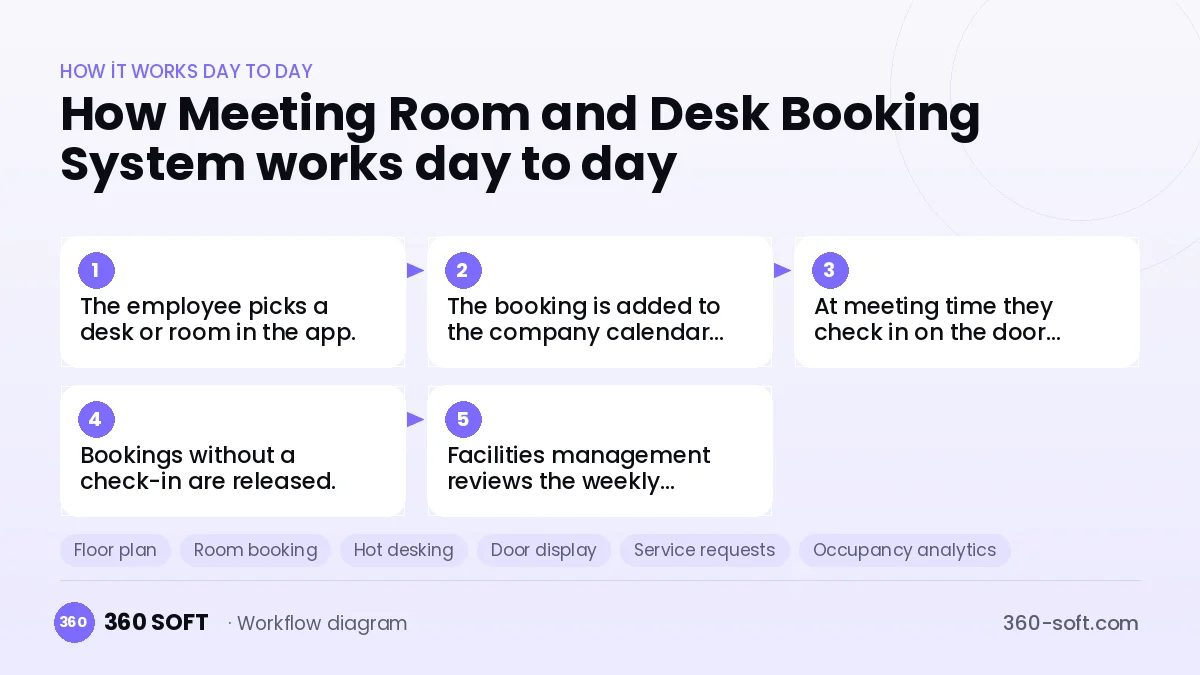
- 1
The employee picks a desk or room in the app.
- 2
The booking is added to the company calendar automatically.
- 3
At meeting time they check in on the door display.
- 4
Bookings without a check-in are released.
- 5
Facilities management reviews the weekly occupancy report.
Integrations
Off-the-shelf software or custom-built?
When off-the-shelf is enough
For offices with a few meeting rooms, the room resource feature of calendar apps is enough.
When custom software pays off
For multi-floor buildings, hybrid workplaces or coworking operators, a custom system with a floor plan, door displays and occupancy analytics reduces space costs.
How the budget is built
We launch the workflow that saves you the most time first, then add modules based on real usage. The full scope below is calculated with 16 screens and 9 modules; the final price follows a free discovery call and a written scope.
Maintenance and improvements (optional): €400 / month. Hosting, SMS, WhatsApp and app store fees are listed separately.
Frequently asked questions
Does it sync with our Outlook calendar?
Yes, two-way synchronisation is set up with Microsoft 365 and Google calendars.
What device is needed for the door display?
Standard wall-mounted Android tablets or iPads can be used.
Can a coworking space take paid bookings?
Yes, a payment module is added for membership plans and paid hourly bookings.
Is employee location data stored?
Only booking and check-in records are kept; there is no continuous location tracking.