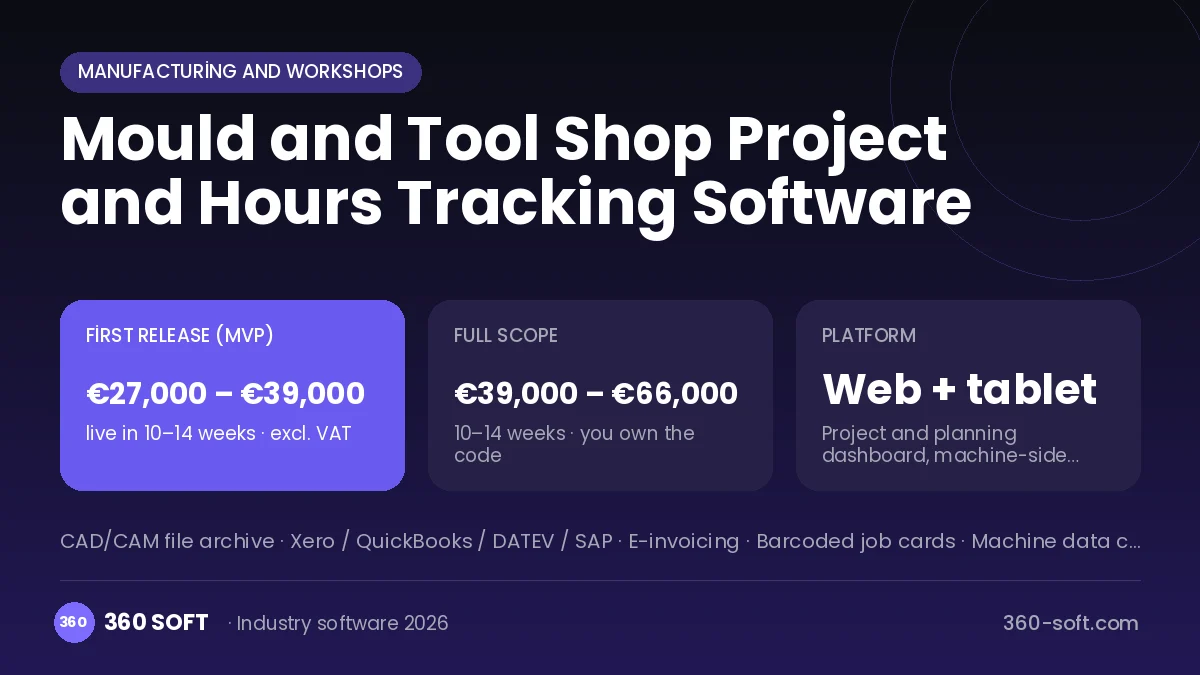
Every mould is really a project: design, material ordering, roughing, heat treatment, CNC, sinker and wire EDM, grinding, assembly and tryout. When hours are written on paper at the machine, the gap between quoted and actual time only emerges when the project ends, and often with a loss attached. In the system we build, a mould becomes a project through its parts list and operation routing, and the planned hours for each part are distributed to machines. The operator starts and finishes a job on a tablet and actual hours reach the project instantly. Revisions, tryout results and customer approvals are kept in the same project file.
Problems we see in mould shops
- Quoted hours that cannot be compared with actual hours
- No visibility of which part a project is stuck on
- Customer revisions not being charged for
- Unknown machine utilisation
Modules
Project and parts list
Part tree per mould, material and operation routing.
Machine plan
Capacity and sequence for CNC, EDM, wire EDM and grinding.
Hours tracking
Start-stop at the machine, downtime reason and actual time.
Revision management
Customer change requests, extra hours and approval record.
Tryout and approval
Tryout shot results, measurement report, photos and correction list.
Project profitability
Quoted versus actual hours, material and outside service cost.
How it works day to day
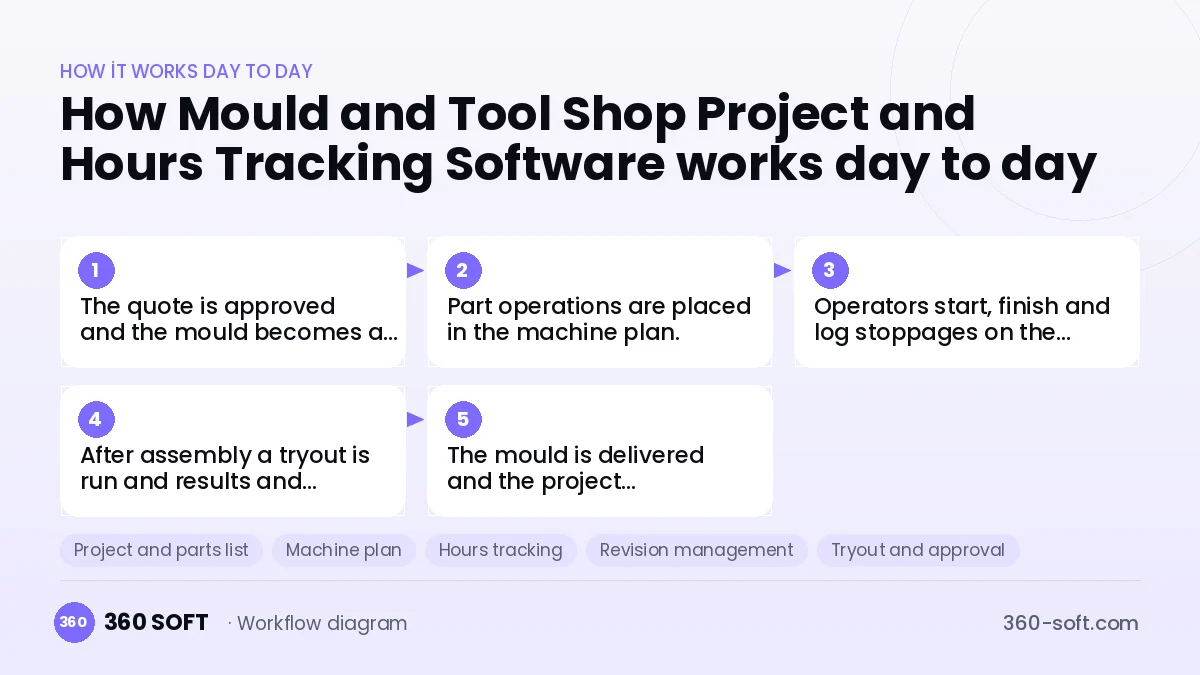
- 1
The quote is approved and the mould becomes a project with its parts list.
- 2
Part operations are placed in the machine plan.
- 3
Operators start, finish and log stoppages on the tablet.
- 4
After assembly a tryout is run and results and corrections are entered.
- 5
The mould is delivered and the project profitability report closes.
Integrations
Off-the-shelf software or custom-built?
When off-the-shelf is enough
For shops with few projects and a single machine group, a project management app and an Excel timesheet can get by.
When custom software pays off
For shops running many mould projects at once and quoting by the hour, a custom system tracking hours at part and machine level raises quote accuracy and profitability.
How the budget is built
We launch the workflow that saves you the most time first, then add modules based on real usage. The full scope below is calculated with 20 screens and 8 modules; the final price follows a free discovery call and a written scope.
Maintenance and improvements (optional): €500 / month. Hosting, SMS, WhatsApp and app store fees are listed separately.
Frequently asked questions
Can machine hours be taken automatically?
Run time can be read from CNC machines with a data output; for others the operator starts and stops on the tablet.
Can we view technical drawings at the machine?
Yes. PDF and image files for each part open on the operator screen.
Is project status reported to the customer?
Yes. Stage progress and tryout results are given to the customer as a report or portal.
Are hours from past projects used in new quotes?
Actual hours of similar moulds are listed as a reference when preparing a quote.