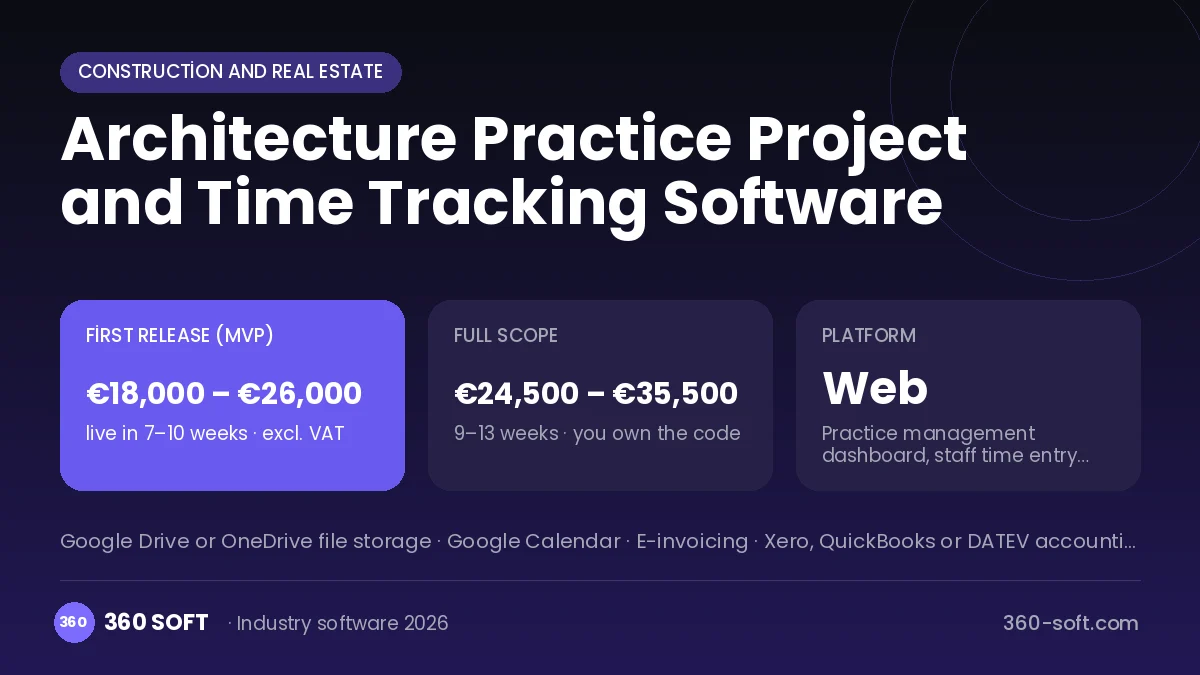
In an architecture practice a project’s concept, technical design and planning stages run for months, and with endless revisions in between, it is only when the project ends that you learn which job lost money. How many hours each person spent on which project is often unknown. In the system we build, every project is planned with stages and deadlines, and the team logs daily hours against project and stage. Revisions, drawing versions and client approvals are recorded, and the practice owner compares hours spent with the contract fee per project.
Problems we see in architecture practices
- Hours spent on a project unknown
- Unbilled revisions piling up
- Planning permission stages slipping out of view
- Client approvals buried in email threads
What the system includes
Projects and stages
Project plan with concept, developed design, technical design, permission and site stages.
Timesheets
Daily hour entries by staff member per project and stage.
Revision log
Drawing versions, revision requests and a chargeable revision flag.
Permission process
Tracking of planning applications, missing documents and approval dates.
Client portal
Drawing viewing, comments and stage sign-off.
Project profitability
Contract fee, collections and cost of hours spent compared.
How it works day to day
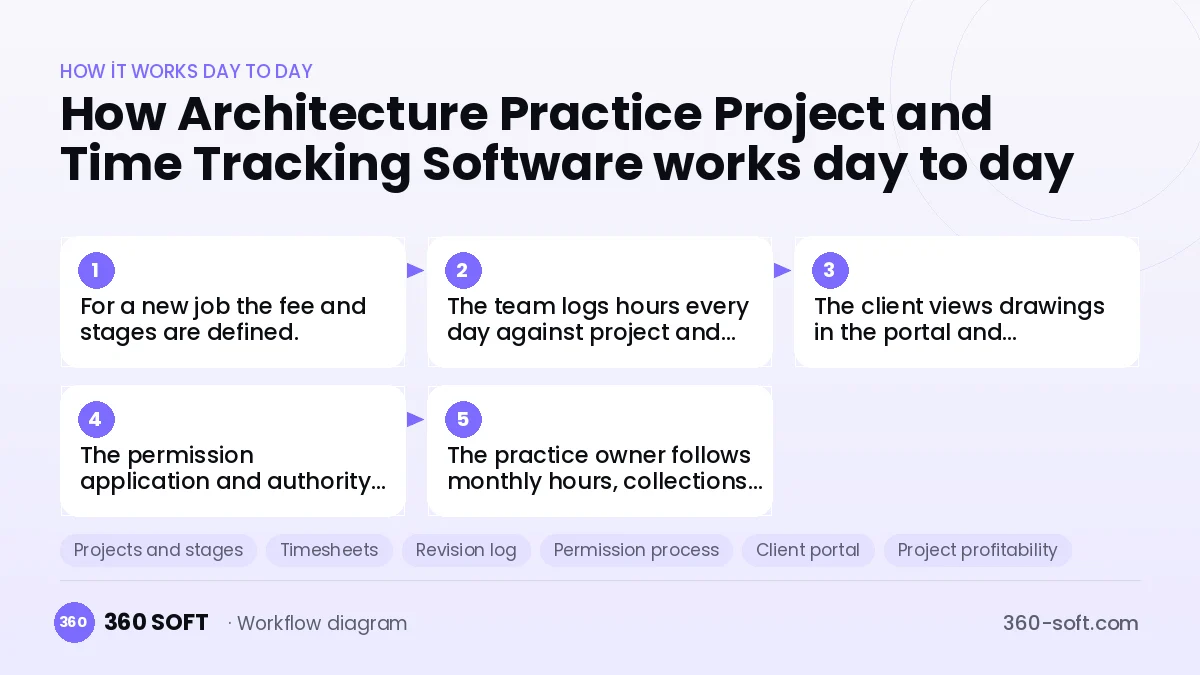
- 1
For a new job the fee and stages are defined.
- 2
The team logs hours every day against project and stage.
- 3
The client views drawings in the portal and comments or approves.
- 4
The permission application and authority correspondence are recorded on the project.
- 5
The practice owner follows monthly hours, collections and profitability.
Integrations
Off-the-shelf software or custom-built?
When off-the-shelf is enough
For practices of a few people, general project management and time tracking tools may be enough to start with.
When custom software pays off
If you want to manage stage-based billing, chargeable revision rules and permission tracking together, a custom system makes the practice’s profitability visible.
How the budget is built
We launch the workflow that saves you the most time first, then add modules based on real usage. The full scope below is calculated with 16 screens and 8 modules; the final price follows a free discovery call and a written scope.
Maintenance and improvements (optional): €350 / month. Hosting, SMS, WhatsApp and app store fees are listed separately.
Frequently asked questions
Can large drawing files be uploaded?
Drawings are kept in the system as PDFs and source files in your connected cloud storage; the system stores the version link.
Does time entry tire the staff?
Picking a project and entering a duration at day end is enough, and automatic measurement with a timer is also available.
Do clients have to log in?
No, a secure link can be sent for approval, and clients who prefer it can use a portal account.
Where is data stored?
Data is kept on a cloud server in the EU or of your choice, with GDPR-compliant access control.