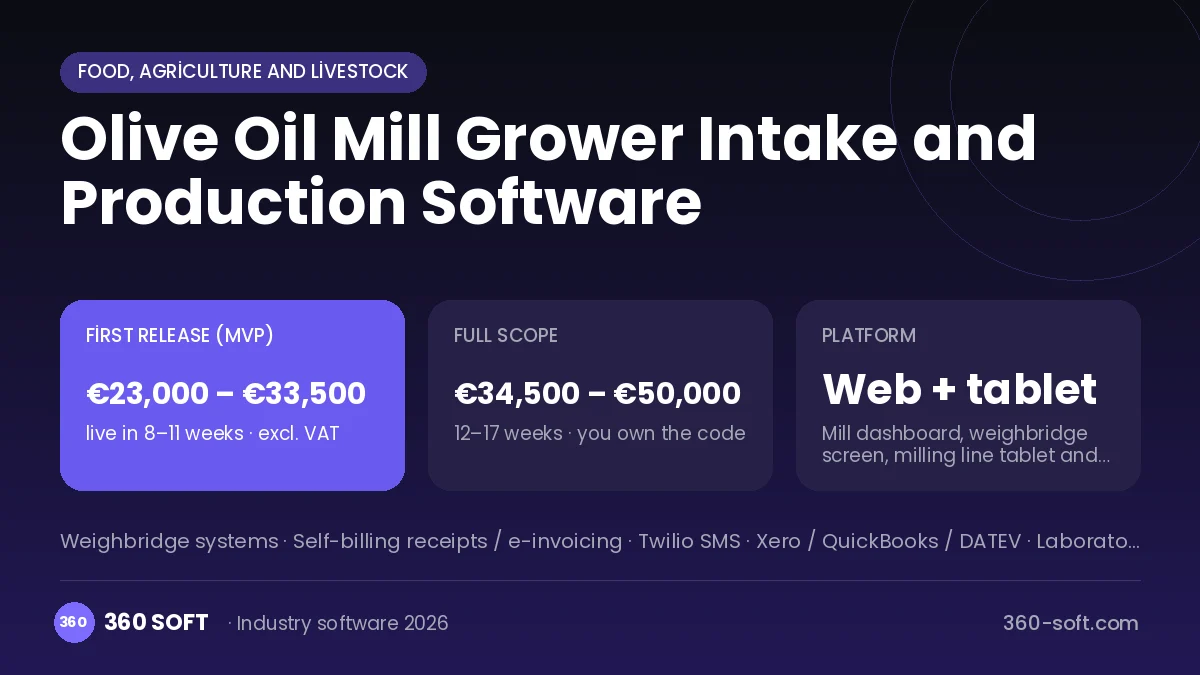
During the harvest season an olive oil mill runs day and night: trailers arriving at the weighbridge are weighed, growers wait their turn, and the yield and acidity of every pressing become a point of dispute. When accounts are kept in a ledger, how many kilos of oil or how much fee is due to which grower, along with farmer receipts and tank stocks, gets muddled. In the system we build, olives are entered weighed at the weighbridge in the grower’s name and the milling queue appears on screen. The oil coming off the line is weighed, yield and acidity are recorded, and the system settles the account by fee, oil share or purchase option, issues the farmer receipt and tracks which tank the oil goes to.
Problems we see in olive oil mills
- Weighbridge and milling queues getting mixed up at peak season
- Disputes over yield and acidity results
- Farmer receipts prepared by hand
- No way to trace which grower the oil in a tank came from
Modules
Weighbridge intake
Weighbridge-connected gross and tare weighing, grower and lot record.
Milling queue
Waiting list by line, estimated position and SMS to the grower.
Yield and analysis
Oil output, yield percentage, free acidity and peroxide value.
Grower account
Contract milling fee, oil-share or purchase settlement; advances and payments.
Farmer receipts
Issuing self-billing receipts for purchased olives and oil.
Tanks and bottling
Oil stock by tank, acidity grade, blending and bottling batch.
How it works day to day
- 1
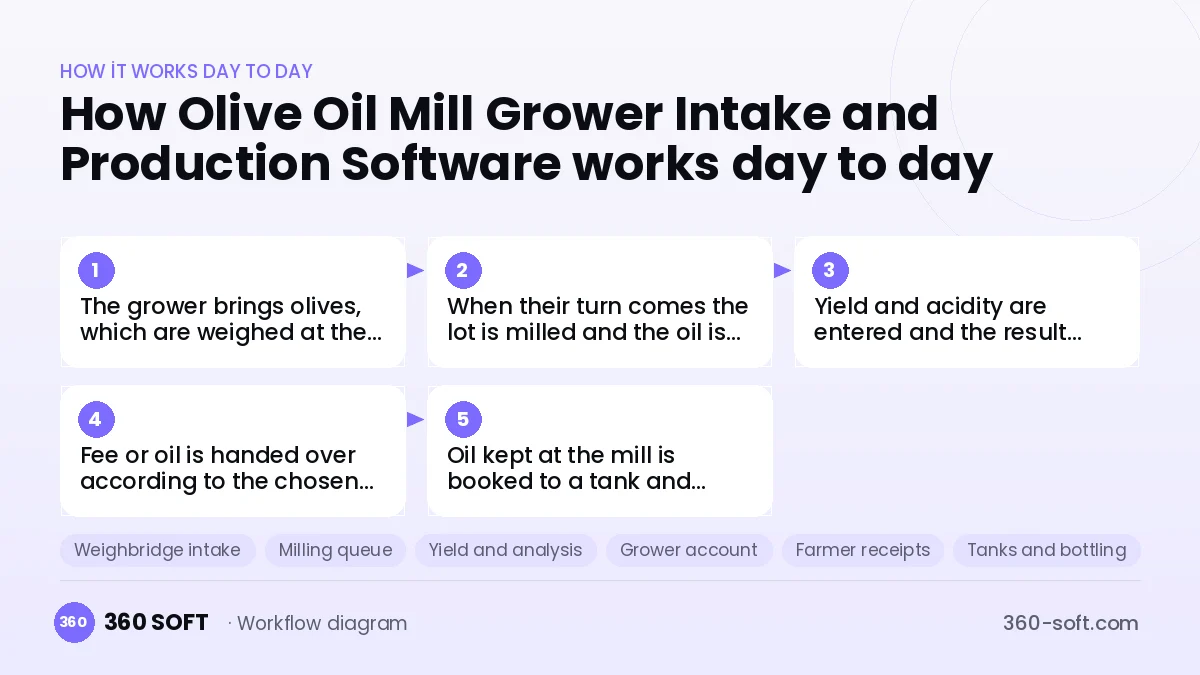
The grower brings olives, which are weighed at the weighbridge and queued.
- 2
When their turn comes the lot is milled and the oil is weighed.
- 3
Yield and acidity are entered and the result goes to the grower by SMS.
- 4
Fee or oil is handed over according to the chosen settlement and a receipt is issued.
- 5
Oil kept at the mill is booked to a tank and released for bottling and sale.
Integrations
Off-the-shelf software or custom-built?
When off-the-shelf is enough
For small producers who only press their own olives, a bookkeeping package and a weighbridge ticket may be enough.
When custom software pays off
For mills that press for hundreds of growers in season and also buy and sell olives and oil, a custom system joining weighbridge, milling, receipts and tank tracking largely removes disputes and errors.
How the budget is built
We launch the workflow that saves you the most time first, then add modules based on real usage. The full scope below is calculated with 20 screens and 9 modules; the final price follows a free discovery call and a written scope.
Maintenance and improvements (optional): €450 / month. Hosting, SMS, WhatsApp and app store fees are listed separately.
Frequently asked questions
Can our existing weighbridge be connected?
Weight is read directly from weighbridge indicators with a serial or network output.
Are farmer receipts issued automatically?
Yes. Self-billing receipts with the grower’s details are issued from the system through your e-invoicing provider.
How do growers learn the result?
When milling finishes, the yield, oil quantity and acidity value are sent to the grower by SMS.
What is the system for outside the season?
Tank stock, bottling, sales and grower advance tracking run all year from the same dashboard.