Mobile appFintech & payments
Budget apps such as Spendee answer the question "where did my money go this month?" with a clear, visual picture. Spending is split into categories, monthly limits are set, and the user is warned when a limit is about to be exceeded. With a shared wallet, a family or flatmates can manage the same budget. The secret of success is that logging an entry takes a few seconds and the reports make sense at first glance.
To build this app, a mobile app, a syncing backend and a simple admin panel are enough. Quick expense entry, categories and tags, multiple currencies, recurring transactions, budget limits and charts form the core. If you want to pull transactions automatically from bank accounts, you need to work with a regulated account-information provider under open banking rules such as PSD2.
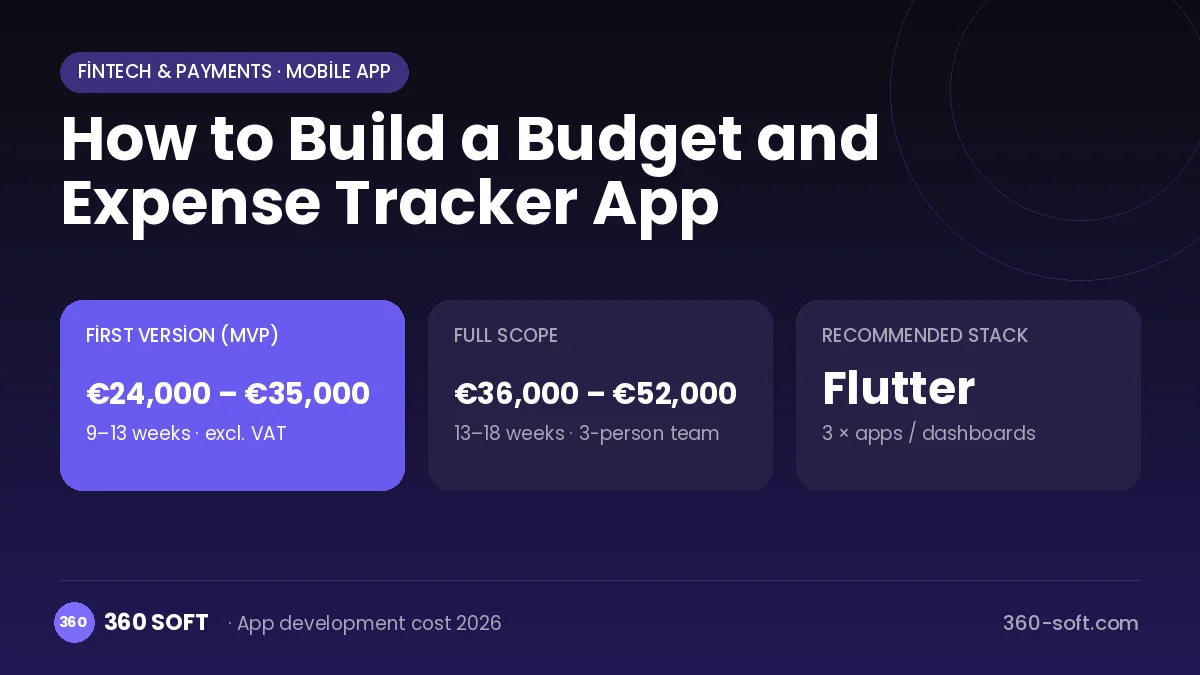
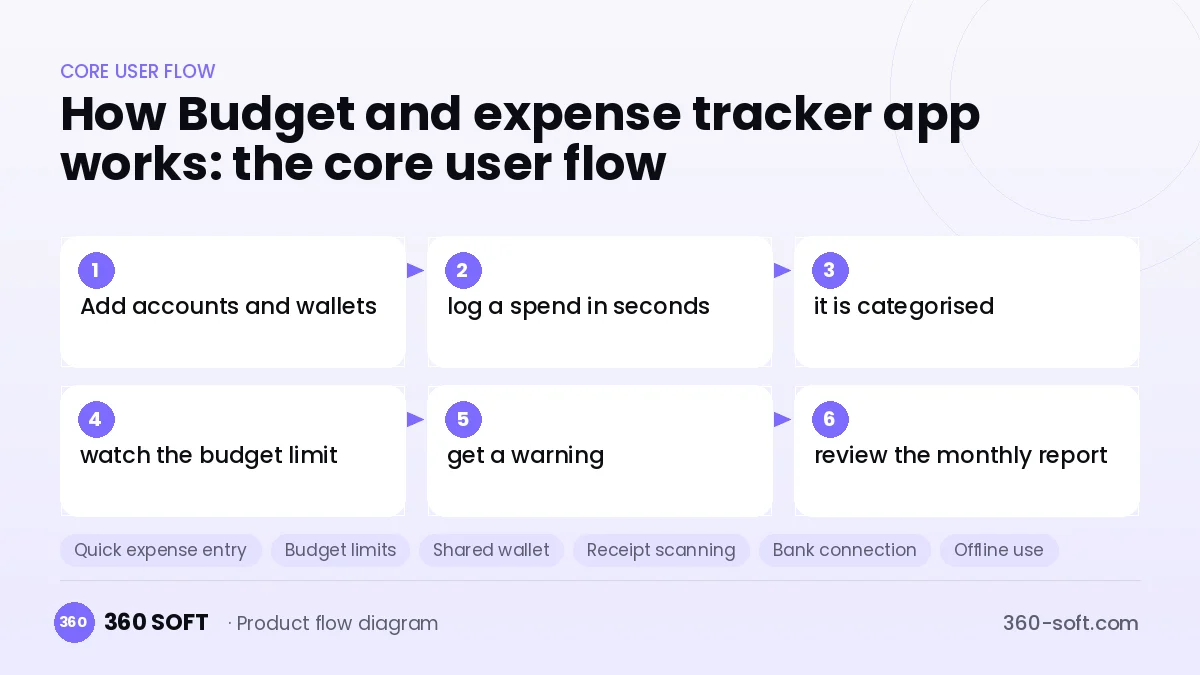
How Budget and expense tracker app works: the core user flow
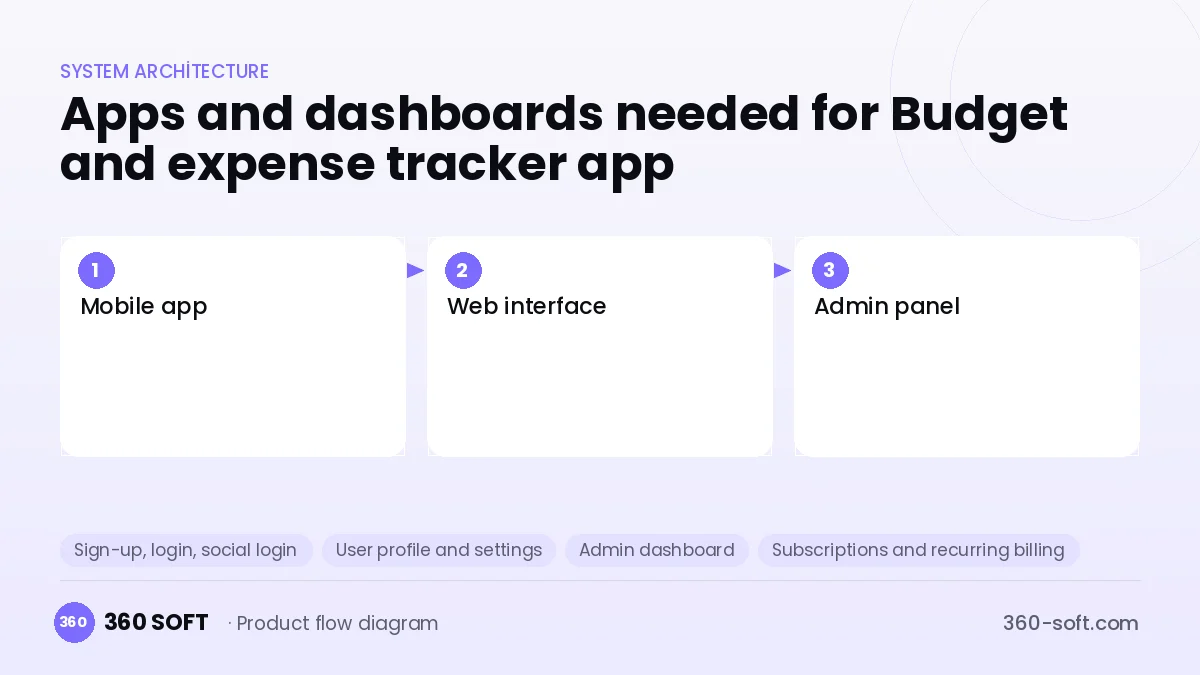
How many apps and dashboards do you need?
Mobile app
The main user app for logging expenses and income, budgets, shared wallets and reports.
Web interface
A browser version for more detailed reports, bulk editing and exports.
Admin panel
An internal panel for managing subscriptions, category templates, exchange rates and user support.
Critical features of a product like Budget and expense tracker app
Quick expense entry
Amount, category and note are entered on a single screen, frequent entries are suggested, and entries can be added from a widget.
Budget limits
Monthly limits are set by category or in total, and the remaining amount and overspend risk are shown visually.
Shared wallet
Family members or flatmates share the same wallet, and entries sync instantly.
Receipt scanning
The amount and date are read from a photo of a receipt using OCR, and the entry is created automatically.
Bank connection
Account transactions are pulled through open banking and categorised automatically with rules.
Offline use
Entries made without internet are stored on the device and synced without conflicts when a connection returns.
What goes into the first version, what comes later
First version (MVP)
- Income and expense logging with categories
- Monthly budget limits and warnings
- Monthly report with charts
- Multiple wallets and currencies
- Cloud backup and premium subscription
Later releases
- Shared wallet and family account
- Receipt scanning (OCR)
- Bank connection through open banking
- Savings goals and AI suggestions
Modules and how the budget is calculated
The budget is calculated with 360 SOFT’s pricing model from the modules below, about 20 screens and the project’s complexity: roughly 138 person-days for the full scope and 92 person-days for the first version. Every module you drop lowers the budget directly.
| Module | Phase |
|---|---|
| Sign-up, login, social login | First version |
| User profile and settings | First version |
| Admin dashboard | First version |
| Subscriptions and recurring billing | First version |
| Online payments (Stripe / PSP) | First version |
| Push notifications | First version |
| Email / SMS notifications | First version |
| Offline mode and sync | First version |
| Reporting and analytics | Later release |
| File, photo, video upload | First version |
| Multi-language | First version |
| AI features (LLM, RAG, recommendations) | Later release |
Hosting, SMS, map APIs, app store accounts and payment-provider fees are separate items. Maintenance and improvements (optional): €450 / month. We send a fixed written price within 24 hours after a free discovery call.
The hard parts
Retaining users
Manual entry is abandoned after a few weeks; quick input, reminders and automation determine how long the app is used.
Sync conflicts
In offline and shared-wallet use, editing the same entry on different devices must be resolved carefully.
Bank data and licensing
Open banking account-information services require regulated authorisation; you must work with a licensed provider and comply with GDPR.
Business model
The best-fitting model is a freemium subscription: basic logging and a single wallet are free, while unlimited wallets, shared use, bank connection and advanced reports are offered in a monthly or yearly premium plan. Referral revenue from financial product recommendations can be added carefully so that it does not damage user trust. A discount on yearly payment lowers subscription churn.
Get a free quote for your project
Let us scope it together and send a fixed written quote within 24 hours. NDA on request; you own the source code.
Choosing a company to build an app like Budget and expense tracker app
Most people searching “build a budget and expense tracker app” are really looking for a reliable app development company. When comparing quotes, check four things:
- Can you try similar products they have shipped, in the stores or live?
- Are the source code, design files, servers and store accounts transferred to you by contract?
- Do they show a working demo every two weeks, with written scope and acceptance criteria?
- Are maintenance, scaling and GDPR/security costs written into the quote?
Copyright and trademarks
A business model and features are generally not protected on their own, but the Budget and expense tracker app name, logo, interface design, content and source code are. That is why we build a product with similar functionality but your own brand, design and code. This is not legal advice; we recommend a trademark search before launch.
Frequently asked questions
How long does it take to build a budget tracker app?
A first version with expense logging, budgets and reports usually takes a few months. Features such as shared wallets, OCR and bank connection can be left for later versions.
Do I need a licence to connect to bank accounts?
Accessing bank account transactions is an account-information service and requires regulated authorisation. Integrating with a licensed open banking provider is the most practical route.
Are there copyright or trademark issues?
The budget tracking business model and features are free to use, but the names, logos, designs and code of apps such as Spendee cannot be copied. This information is general in nature and is not a substitute for legal advice.
What should I look for when choosing a company to build a budget app?
Experience with offline sync, subscription infrastructure and clean interface design matters. Ask how they will ensure data security and GDPR compliance.