Mobile appBusiness software & SaaS
In note-taking apps, what the user expects fits in one sentence: write down an idea the moment it comes to mind and find it easily later. The app should open in seconds, work without internet, sync notes across all devices and offer powerful search. Notes enriched with checklists, images, voice notes and tags turn over time into a personal knowledge archive, and that accumulation is what really ties the user to the product.
To build something similar you need to solve two hard parts well: a rich text editor and conflict-free synchronisation. The editor must behave the same on mobile, web and desktop, and sync must merge changes made offline without losing any. On top come full-text search, attachment storage, sharing and collaborative editing, AI summarisation and optional end-to-end encryption.
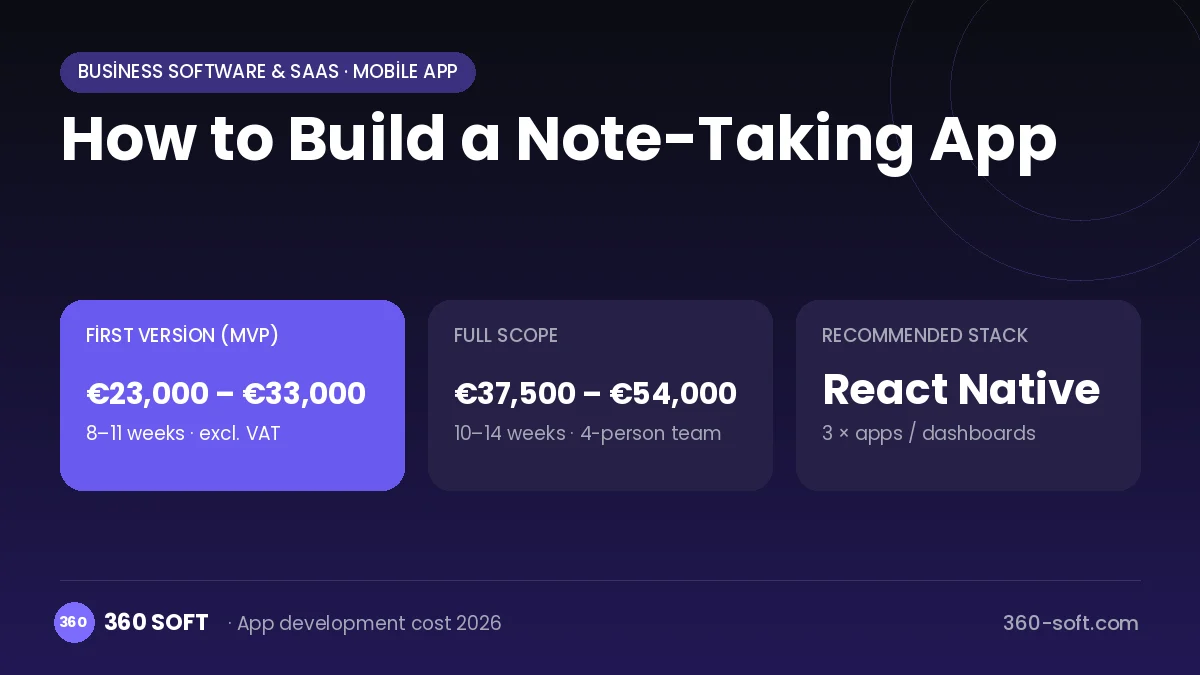
How Note-taking app works: the core user flow
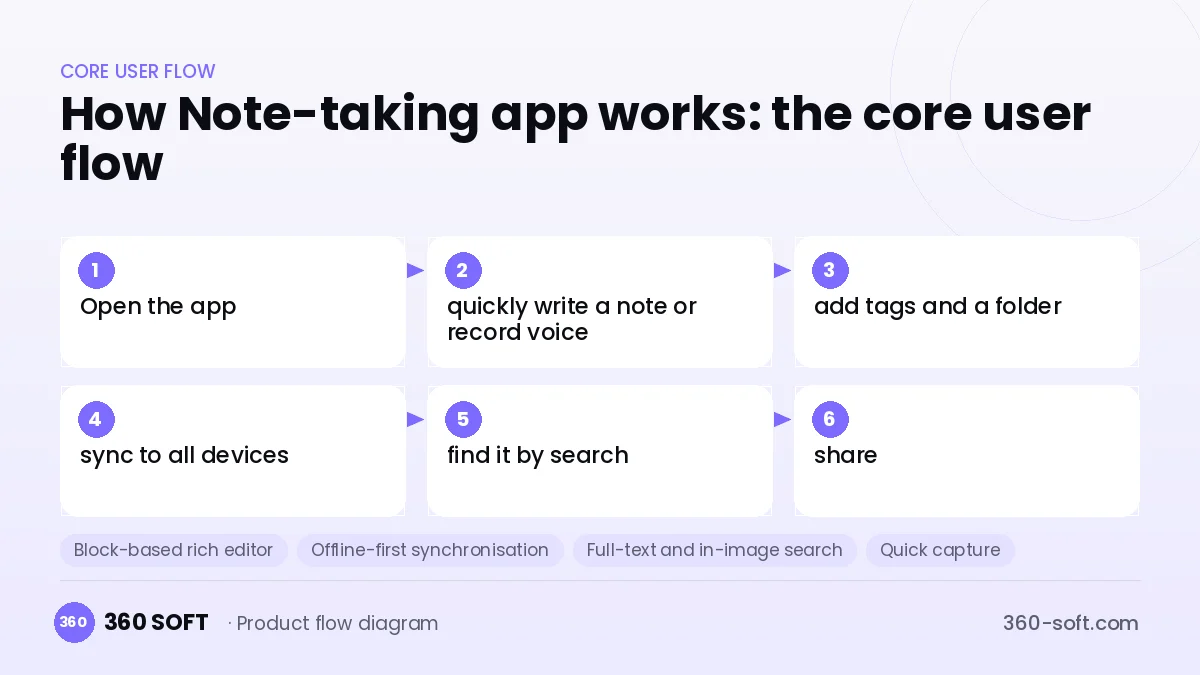
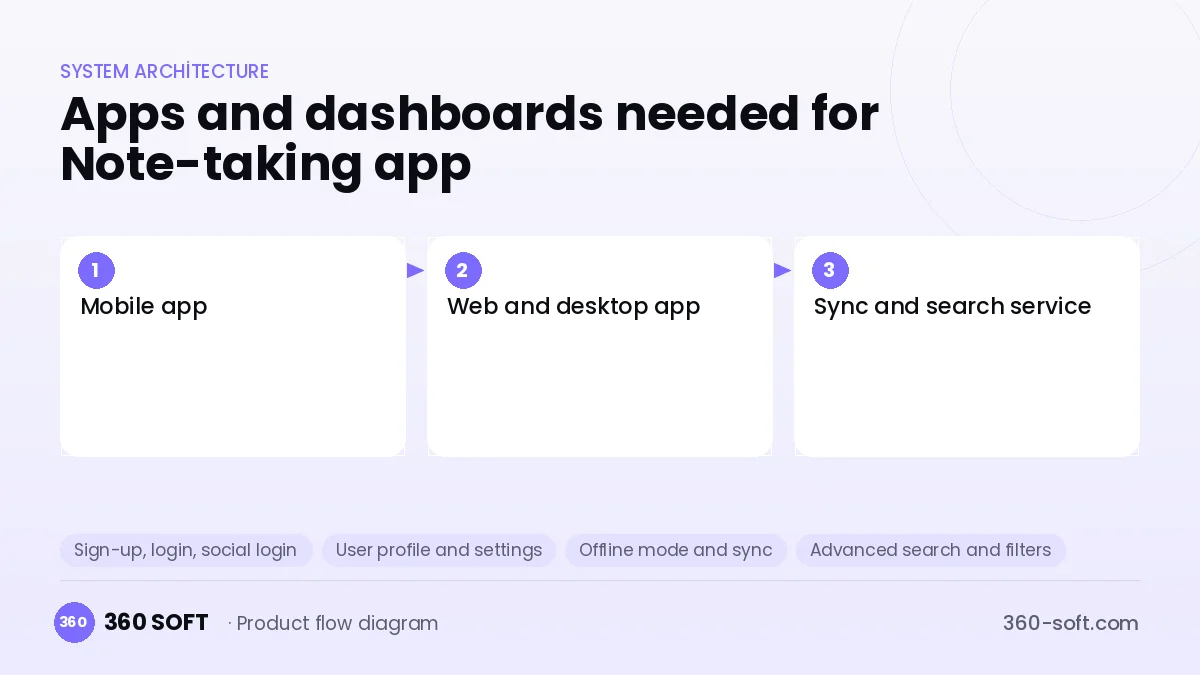
How many apps and dashboards do you need?
Mobile app
An app that works offline for quick notes, checklists, photos and voice notes.
Web and desktop app
The large-screen interface used for writing long text, organising notes and managing folders.
Sync and search service
The backend that syncs notes between devices, stores attachments and provides full-text search.
Critical features of a product like Note-taking app
Block-based rich editor
Heading, list, checkbox, table, code and image blocks work consistently on all platforms.
Offline-first synchronisation
With CRDT or operation-based sync, changes made on different devices merge without conflict.
Full-text and in-image search
Note content, attachments and text in photos found through OCR are searched, with support for accented and non-Latin characters.
Quick capture
Notes are taken without fully opening the app via a widget, the share menu and voice notes.
Sharing and collaborative editing
A note is shared by link, and authorised people can edit the same note simultaneously.
AI assistant
Long notes are summarised, voice notes are transcribed and to-do lists are extracted from notes.
What goes into the first version, what comes later
First version (MVP)
- Rich text notes and checklists
- Folders and tags
- Offline use and cross-device sync
- Full-text search
- Attaching photos and files
Later releases
- Web and desktop apps
- Collaborative editing and sharing
- Voice notes and AI summarisation
- End-to-end encrypted note vault
Modules and how the budget is calculated
The budget is calculated with 360 SOFT’s pricing model from the modules below, about 22 screens and the project’s complexity: roughly 143 person-days for the full scope and 87 person-days for the first version. Every module you drop lowers the budget directly.
| Module | Phase |
|---|---|
| Sign-up, login, social login | First version |
| User profile and settings | First version |
| Offline mode and sync | Later release |
| Advanced search and filters | First version |
| File, photo, video upload | First version |
| Subscriptions and recurring billing | First version |
| AI features (LLM, RAG, recommendations) | Later release |
| GDPR and security hardening | First version |
| Email / SMS notifications | First version |
| Third-party API integration | First version |
| Admin dashboard | First version |
Hosting, SMS, map APIs, app store accounts and payment-provider fees are separate items. Maintenance and improvements (optional): €500 / month. We send a fixed written price within 24 hours after a free discovery call.
The hard parts
Sync conflicts
When the same note is edited offline on two devices, advanced merge algorithms are needed to avoid data loss.
Editor consistency
Getting the rich text editor to behave the same on iOS, Android and the web is the most laborious part of development.
Data portability and trust
Users entrust years of archives, so export, backup and the privacy policy must be transparent.
Business model
A freemium subscription is the standard revenue model of this category: basic note-taking and a limited number of devices are free, while unlimited devices, large storage, AI features and version history are in premium. A paid shared workspace per user can be offered for teams. Because personal data is sensitive, a subscription-focused model rather than ads preserves trust.
Get a free quote for your project
Let us scope it together and send a fixed written quote within 24 hours. NDA on request; you own the source code.
Choosing a company to build an app like Note-taking app
Most people searching “build a note-taking app” are really looking for a reliable app development company. When comparing quotes, check four things:
- Can you try similar products they have shipped, in the stores or live?
- Are the source code, design files, servers and store accounts transferred to you by contract?
- Do they show a working demo every two weeks, with written scope and acceptance criteria?
- Are maintenance, scaling and GDPR/security costs written into the quote?
Copyright and trademarks
A business model and features are generally not protected on their own, but the Note-taking app name, logo, interface design, content and source code are. That is why we build a product with similar functionality but your own brand, design and code. This is not legal advice; we recommend a trademark search before launch.
Frequently asked questions
How long does it take to build a note-taking app?
A first version with mobile notes, folders, search and sync can be developed in a few months. Collaborative editing, a desktop app and AI features should each be planned as a separate phase.
How many separate apps are needed?
A mobile app and a sync service are enough at the start. Since users will want to work on a computer for long texts, a web or desktop version soon comes onto the agenda.
Off-the-shelf script or custom software?
Open-source editor and sync libraries speed up development, but the product as a whole needs custom development. Ready-made scripts usually fall short on offline sync and scale.
Will there be copyright or trademark issues?
The idea and features of a note-taking app are free to use; other products' names, logos, designs and code cannot be copied. This is general information, not legal advice.