Web platformEducation & e-learningOriginal by Preply
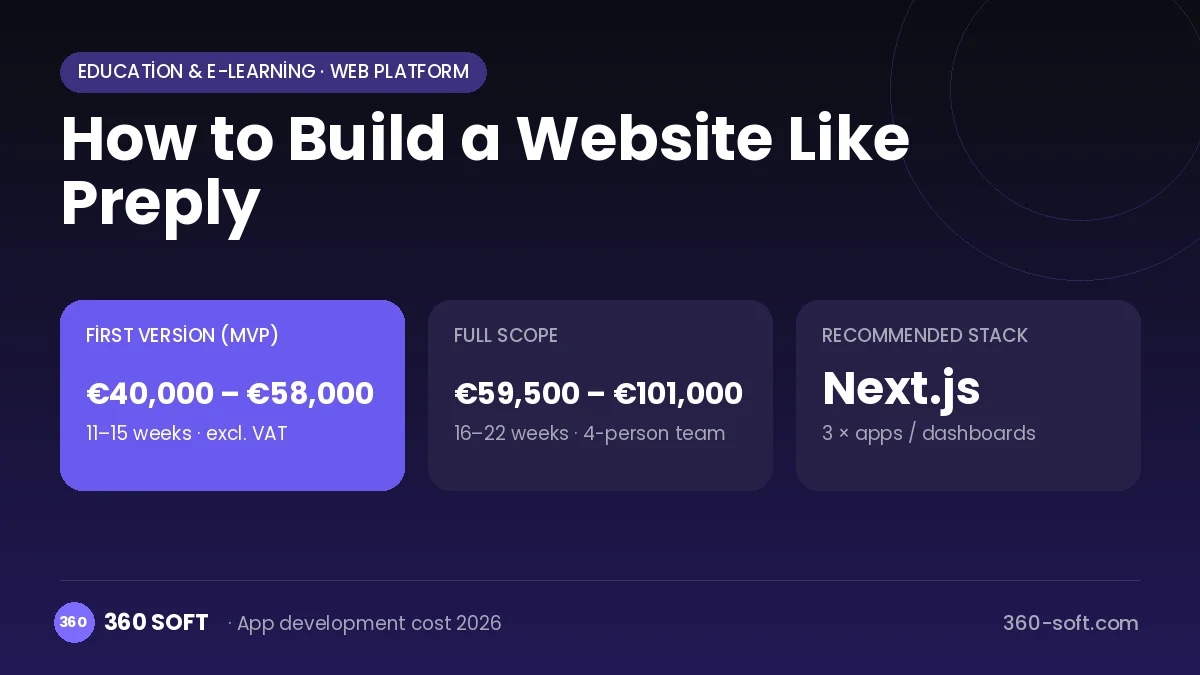
Preply connects people who want to learn a language with tutors from all over the world in one-to-one online lessons. Behind its success are a low entry barrier through trial lessons, a booking calendar that works across time zones, a built-in video classroom and packaged lesson credits. Because students join lessons through the platform, payments, scheduling and communication stay in one place, which increases trust and recurring revenue.
To build something similar you need a booking engine, a WebRTC-based classroom, a tutor application and approval process, a lesson credit wallet and a payout system that pays tutors periodically. The student website and mobile app, the tutor dashboard and the admin panel should be designed as separate interfaces. Time zones, cancellation rules and a multilingual interface should be considered from day one.
How Preply works: the core user flow
How many apps and dashboards do you need?
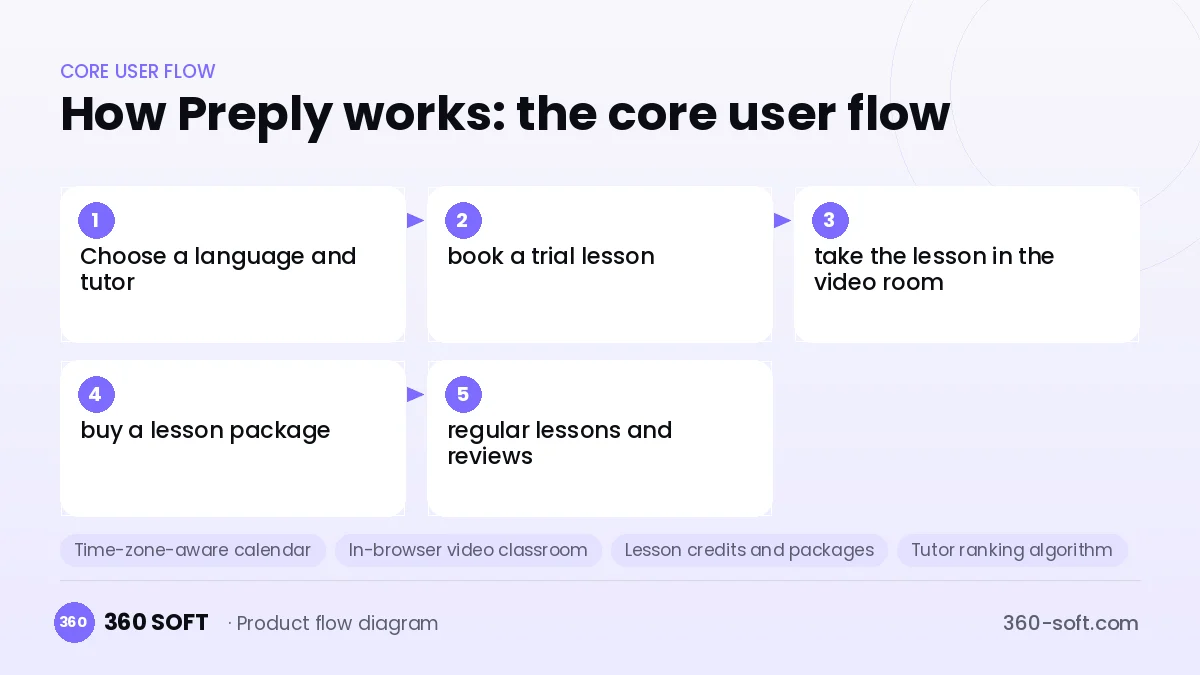
Student website and app
Students search for tutors, take a trial lesson, buy lesson packages and join their lessons.
Tutor dashboard
Tutors manage their profile, hourly rate, availability calendar, students and earnings.
Admin panel
The team approves tutor applications, resolves refunds and disputes, and manages payouts.
Critical features of a product like Preply
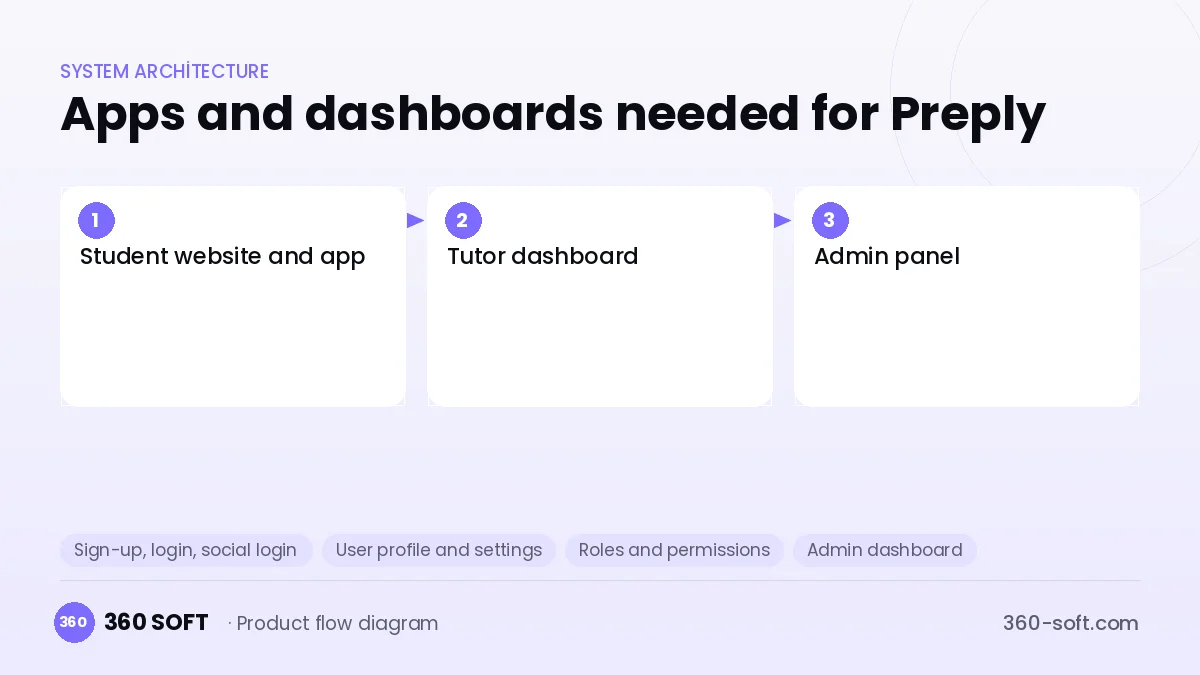
Time-zone-aware calendar
Tutor availability is shown in the student's time zone; conflict, cancellation and rescheduling rules are applied automatically.
In-browser video classroom
Video calls, screen sharing, chat and lesson notes on one screen, with no installation required.
Lesson credits and packages
Students buy packages of hourly lessons; credits are deducted as lessons are attended and the remaining balance is shown in the wallet.
Tutor ranking algorithm
Tutors are ranked in search results using signals such as response speed, repeat student rate and ratings.
Payout and commission engine
Commission is deducted from completed lessons to calculate tutor balances, and payout instructions are generated at set intervals.
Trial lesson flow
A low-cost or guaranteed trial lesson lets students try a tutor risk-free and nudges them towards buying a package.
What goes into the first version, what comes later
First version (MVP)
- Tutor application, profile and approval process
- Availability calendar and trial lesson booking
- In-browser video classroom
- Lesson package purchase and credit tracking
- Post-lesson ratings and a basic payout report
Later releases
- Mobile app and lesson reminder notifications
- Group lessons and corporate training packages
- AI-generated lesson summaries and vocabulary lists
- Subscription-based monthly lesson plans
Modules and how the budget is calculated
The budget is calculated with 360 SOFT’s pricing model from the modules below, about 30 screens and the project’s complexity: roughly 228 person-days for the full scope and 154 person-days for the first version. Every module you drop lowers the budget directly.
| Module | Phase |
|---|---|
| Sign-up, login, social login | First version |
| User profile and settings | First version |
| Roles and permissions | First version |
| Admin dashboard | First version |
| Booking / reservations | First version |
| Video / voice calls | First version |
| Online payments (Stripe / PSP) | First version |
| Subscriptions and recurring billing | First version |
| Real-time messaging | First version |
| Ratings and reviews | First version |
| Email / SMS notifications | First version |
| Push notifications | First version |
| Multi-language | First version |
| Reporting and analytics | First version |
| Marketplace integration (Amazon, etc.) | Later release |
Hosting, SMS, map APIs, app store accounts and payment-provider fees are separate items. Maintenance and improvements (optional): €750 / month. We send a fixed written price within 24 hours after a free discovery call.
The hard parts
Video quality and connectivity
Low-latency video for users on different networks in different countries requires TURN servers and fallback connection scenarios.
International payouts
Paying tutors in different countries and handling tax and currency differences is complex; a licensed payment provider is required.
Cancellation and dispute rules
Fair refund and credit-return policies must be designed for no-show students, late tutors and dropped connections.
Business model
The core revenue is a commission on tutors' lesson fees; a tiered commission that is high on the first lessons and decreases as the student continues with the same tutor works well. Trial lesson fees, monthly subscription plans and corporate language training packages can be additional revenue lines. Payments should be collected through a licensed payment provider such as Stripe or Adyen.
Get a free quote for your project
Let us scope it together and send a fixed written quote within 24 hours. NDA on request; you own the source code.
Choosing a company to build an app like Preply
Most people searching “website like preply” are really looking for a reliable app development company. When comparing quotes, check four things:
- Can you try similar products they have shipped, in the stores or live?
- Are the source code, design files, servers and store accounts transferred to you by contract?
- Do they show a working demo every two weeks, with written scope and acceptance criteria?
- Are maintenance, scaling and GDPR/security costs written into the quote?
Copyright and trademarks
A business model and features are generally not protected on their own, but the Preply name, logo, interface design, content and source code are. That is why we build a product with similar functionality but your own brand, design and code. This is not legal advice; we recommend a trademark search before launch.
Frequently asked questions
How long does it take to build a platform like Preply?
A first version with booking, a video classroom and payments takes a few months of work. Scope and timeline grow as the mobile app and international payouts are added.
Do we need to build the video infrastructure from scratch?
No, using LiveKit, Agora or similar WebRTC infrastructure shortens the timeline considerably. The classroom interface and recording policy are then designed specifically for the platform.
How many separate apps are needed?
There are usually three sides: the student website and mobile app, the tutor dashboard and the admin panel. The tutor dashboard can start as a web app in the first version.
Are there copyright or trademark issues?
The online tutoring marketplace model and its features are generally free to use; names, logos, design, content and code cannot be copied. This is not legal advice.