Mobile appEducation & e-learningOriginal by ClassDojo
ClassDojo turned the classroom into a shared, warm community for teachers, students and parents. Teachers award points for positive behaviour using cute monster avatars, share moments from the day in the class story and message parents directly. Students add work to their own digital portfolios and take pride in it. Thanks to this teacher-led, free-to-start structure, the product spread across classrooms without waiting for school administrators.
Building something similar means setting up three separate experiences for teachers, parents and students, plus a school panel. A behaviour point engine, a class story feed, student portfolios, one-to-one messaging and automatic translation form the core. Student sign-in uses child-friendly methods such as QR codes. Because children's data is processed, GDPR, parental consent and content moderation must sit at the centre of the design.
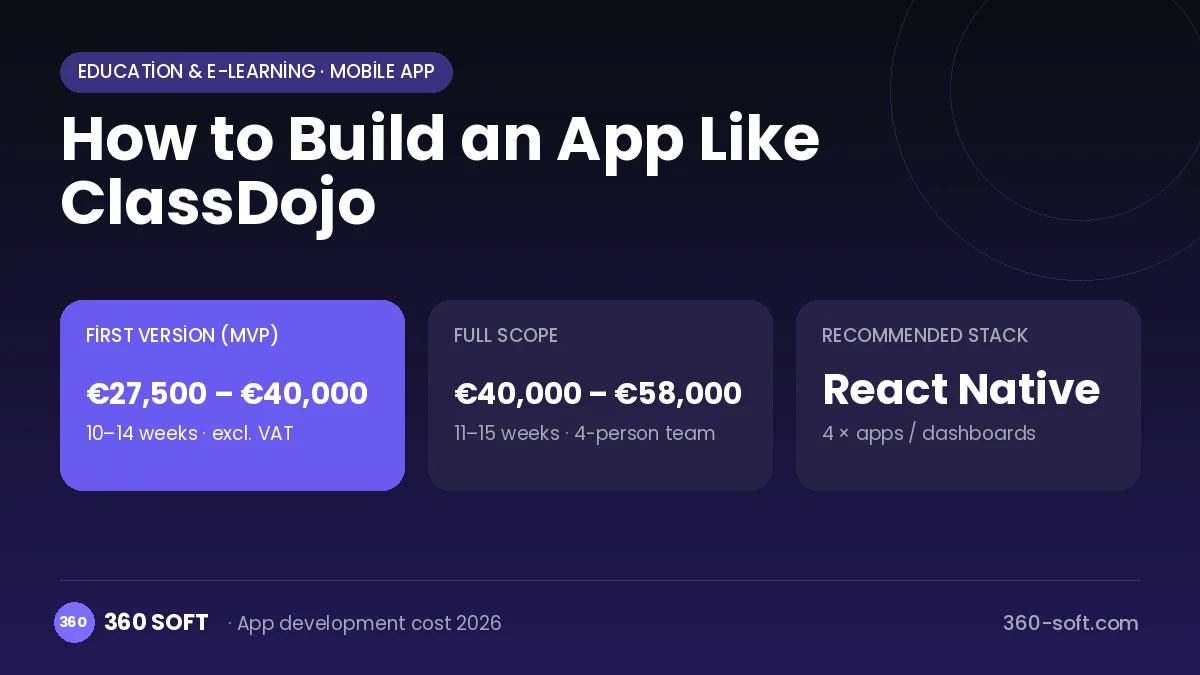
How ClassDojo works: the core user flow
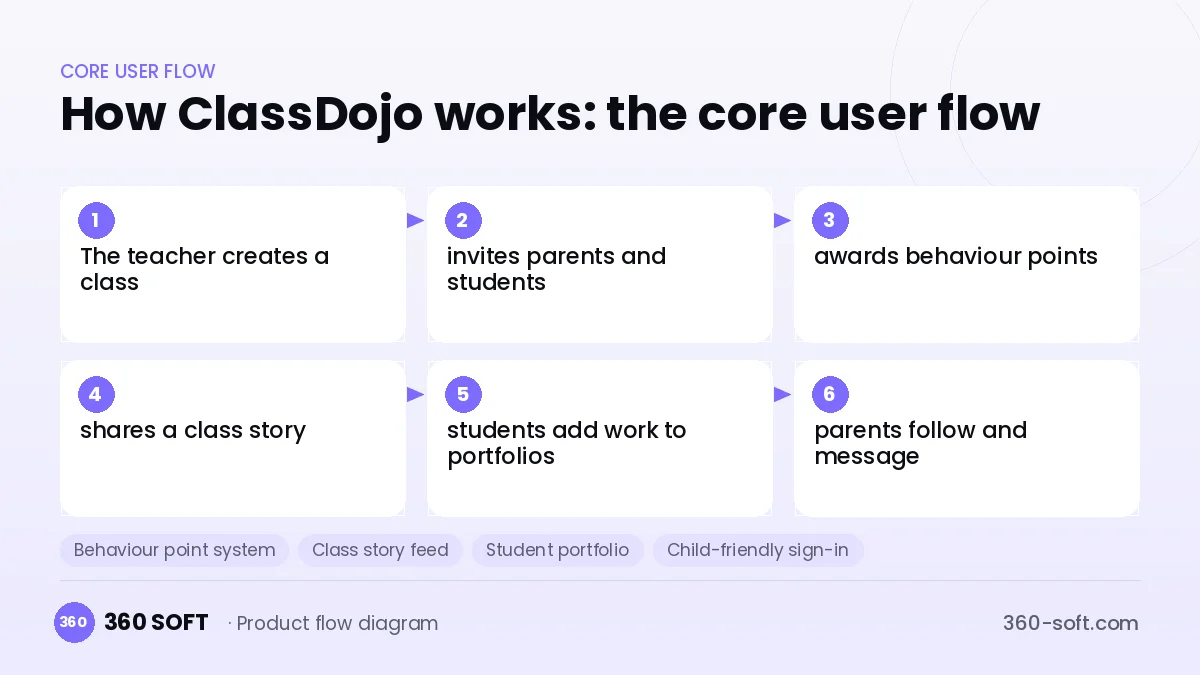
How many apps and dashboards do you need?
Teacher app
The app and web interface where teachers manage the class list, award points, share stories and message parents.
Parent app
The app where parents see their child's points, portfolio and the class story and message the teacher.
Student app
A simple interface where students sign in with a QR code, customise their avatar and upload photos, videos or drawings to their portfolio.
School panel
A panel where school leadership manages all classes, school-wide announcements and usage statistics.
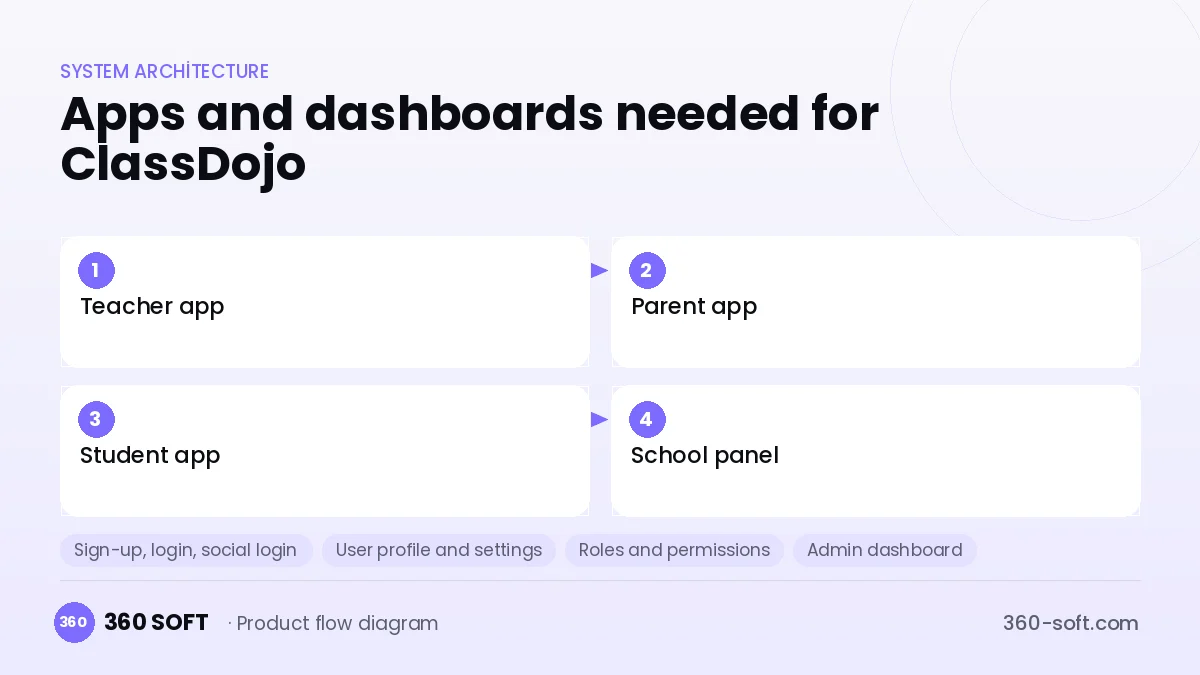
Critical features of a product like ClassDojo
Behaviour point system
Teachers customise positive and needs-work behaviours and award individual or group points with a single tap.
Class story feed
Photos, videos and short notes are shared in a feed open only to the parents of that class.
Student portfolio
Students upload their work, and parents see it once the teacher has approved.
Child-friendly sign-in
Younger students sign in securely with a QR code or class code instead of a password.
Avatars and classroom tools
Customisable monster avatars, a random student picker, a group maker and a timer are used during lessons.
Translation and quiet hours
Messages arrive in the parent's language, and teachers can switch off notifications outside working hours.
What goes into the first version, what comes later
First version (MVP)
- Teacher class management and invite codes
- Behaviour points and avatars
- Class story sharing
- Teacher-parent messaging
- Weekly summary in the parent app
Later releases
- Student portfolio and QR code sign-in
- School-wide panel and announcements
- Automatic translation
- Premium parent plan for home learning content
Modules and how the budget is calculated
The budget is calculated with 360 SOFT’s pricing model from the modules below, about 30 screens and the project’s complexity: roughly 153 person-days for the full scope and 105 person-days for the first version. Every module you drop lowers the budget directly.
| Module | Phase |
|---|---|
| Sign-up, login, social login | First version |
| User profile and settings | First version |
| Roles and permissions | First version |
| Admin dashboard | First version |
| Real-time messaging | First version |
| File, photo, video upload | First version |
| Push notifications | First version |
| Email / SMS notifications | First version |
| Subscriptions and recurring billing | First version |
| Multi-language | First version |
| Reporting and analytics | Later release |
| GDPR and security hardening | First version |
Hosting, SMS, map APIs, app store accounts and payment-provider fees are separate items. Maintenance and improvements (optional): €500 / month. We send a fixed written price within 24 hours after a free discovery call.
The hard parts
Children's privacy
Photos and information about children require a high level of protection, so GDPR compliance, parental consent and limited visibility are essential.
Sensitivity of points
Showing behaviour points publicly can put pressure on students, so the design needs to be pedagogically balanced.
Media scale
Photos and videos uploaded every day from thousands of classes quickly drive up storage and moderation costs.
Business model
ClassDojo-style products spread by staying free for teachers, and the revenue comes from a premium membership offered to parents. This membership can include behaviour tracking at home, extra activities and advanced content. School and district-level advanced management packages, and partnerships with child-appropriate educational content providers, can be additional revenue channels. Advertising aimed at students is not appropriate.
Get a free quote for your project
Let us scope it together and send a fixed written quote within 24 hours. NDA on request; you own the source code.
Choosing a company to build an app like ClassDojo
Most people searching “build an app like classdojo” are really looking for a reliable app development company. When comparing quotes, check four things:
- Can you try similar products they have shipped, in the stores or live?
- Are the source code, design files, servers and store accounts transferred to you by contract?
- Do they show a working demo every two weeks, with written scope and acceptance criteria?
- Are maintenance, scaling and GDPR/security costs written into the quote?
Copyright and trademarks
A business model and features are generally not protected on their own, but the ClassDojo name, logo, interface design, content and source code are. That is why we build a product with similar functionality but your own brand, design and code. This is not legal advice; we recommend a trademark search before launch.
Frequently asked questions
How long does it take to build an app like ClassDojo?
A first version covering the teacher and parent sides, with the point system, class story and messaging, takes a few months. The student portfolio and school panel can be added in later phases.
How many separate apps do we need?
Teacher, parent and student experiences can be split by role within one app, and school administration needs a web panel. The student interface should be kept very simple for the age group.
Will there be copyright or trademark issues?
The classroom communication and behaviour points business model is free to use, but the ClassDojo name, monster characters, interface design, content and code cannot be copied. This is general information, not legal advice.
What should I look for when choosing a company to build an app like ClassDojo?
Look for experience with multi-role platforms, media feeds and the security of children's data. A team that can test prototypes with teachers will find the right product faster.