Mobile appAI productsOriginal by Google
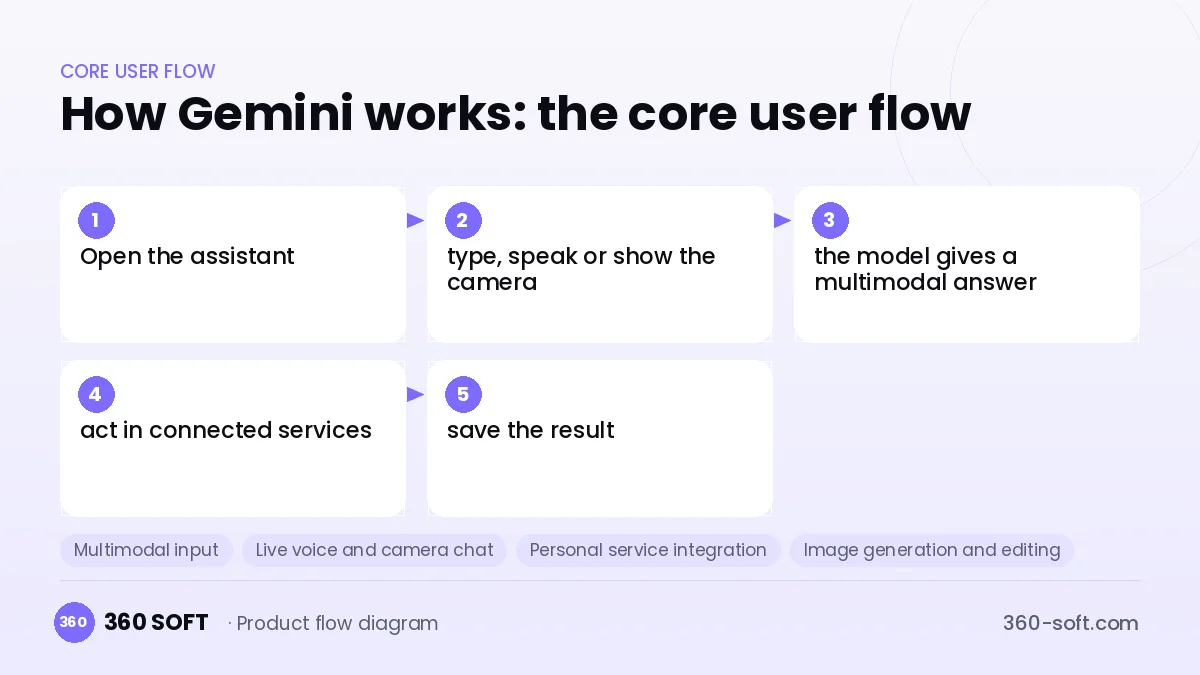
What sets Gemini apart is its multimodal design and how closely it is woven into services the user already uses. Text, images, audio and video are handled in the same chat; users can point the camera at an object and ask a question, or have the assistant summarise their emails or documents. Working at the system level as the phone's assistant reduces the need to open a separate app and makes AI a natural part of the daily routine.
For a similar product you build a chat app on multimodal LLM APIs, real-time interaction through camera and microphone, image generation, secure access to the calendar, email and document services the user connects, and a subscription infrastructure. Real-time voice conversation needs a low-latency streaming layer. Every integration that touches user data requires explicit consent screens and GDPR-compliant data handling.
How Gemini works: the core user flow
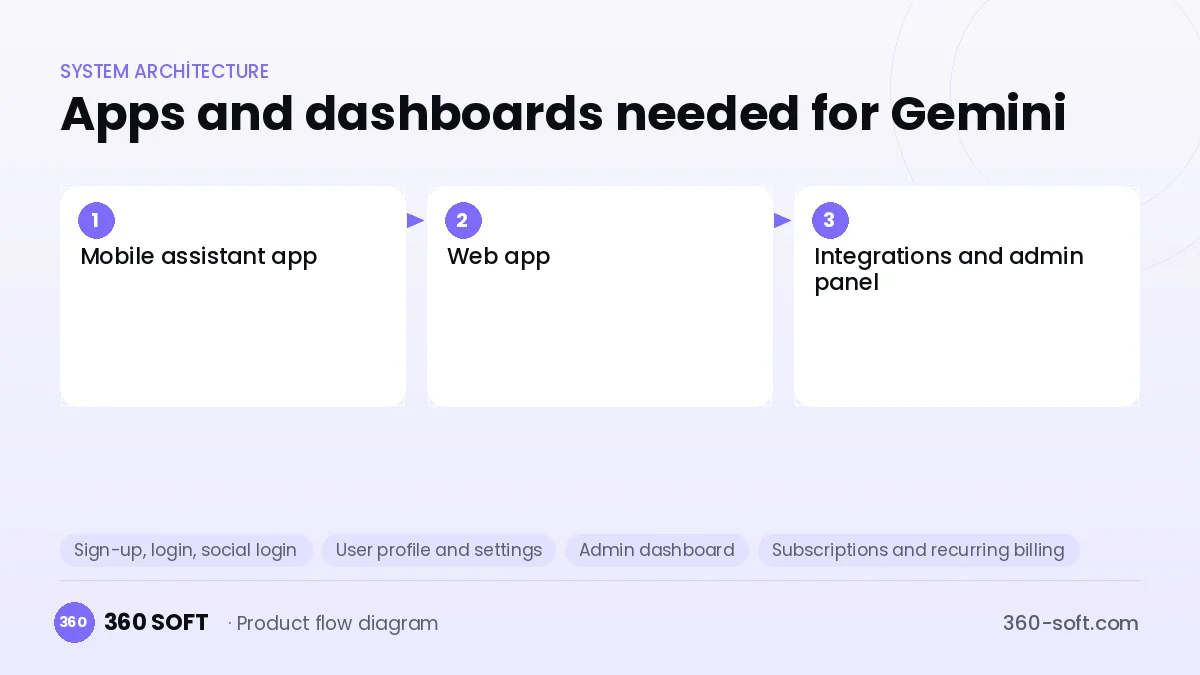
How many apps and dashboards do you need?
Mobile assistant app
The assistant app that works with camera, voice and text and is quickly reachable on the phone.
Web app
The desktop interface for long chats, document analysis and image generation.
Integrations and admin panel
The panel that manages connected services, permissions, subscriptions and usage limits.
Critical features of a product like Gemini
Multimodal input
Photos, screenshots, voice recordings and documents are sent in the same message and interpreted together.
Live voice and camera chat
Users can interrupt while speaking, and the camera feed is passed to the model in real time.
Personal service integration
Searching, summarising and drafting work across email, calendar and document services connected via OAuth.
Image generation and editing
Images are generated from text, and objects can be removed or styles changed on an uploaded photo.
Deep research mode
The assistant scans many sources and prepares a sectioned report with citations.
System assistant shortcuts
A home-screen widget, the share menu and voice commands let the assistant be summoned from any app.
What goes into the first version, what comes later
First version (MVP)
- Chat with text and image input
- Streaming responses and conversation history
- Voice input in the mobile app
- Freemium plan and subscription
- Usage limits and a safety filter
Later releases
- Real-time voice and camera chat
- Email, calendar and document integrations
- Deep research and report mode
- Image generation and editing
Modules and how the budget is calculated
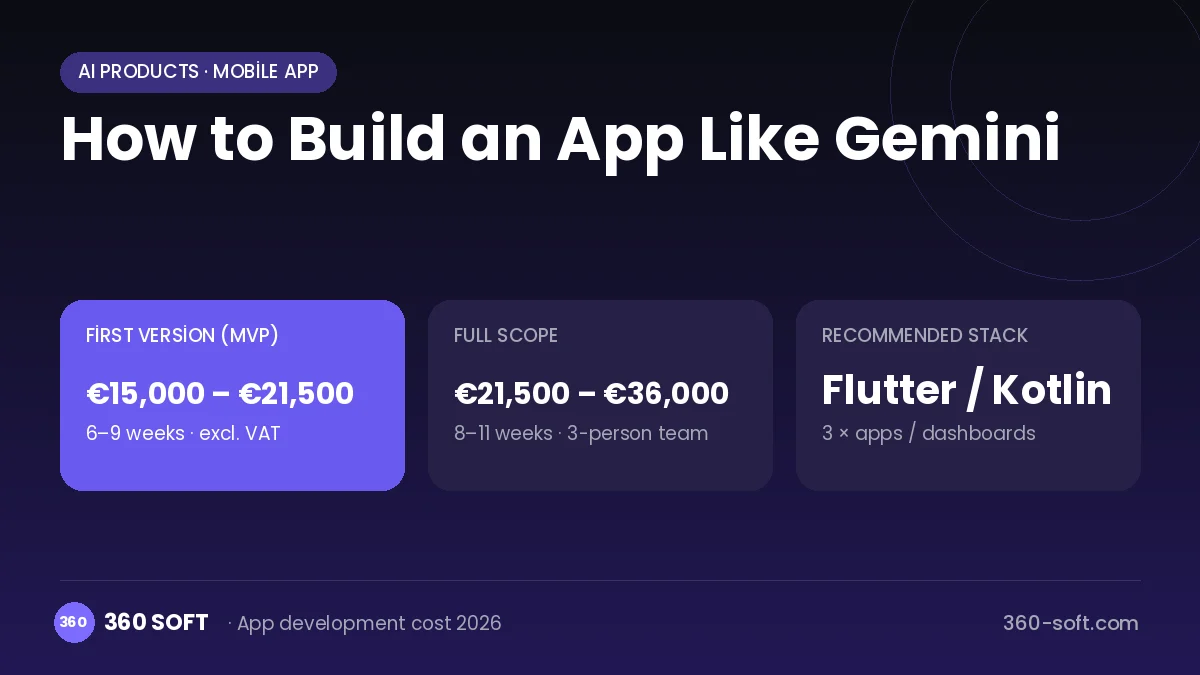
The budget is calculated with 360 SOFT’s pricing model from the modules below, about 24 screens and the project’s complexity: roughly 81 person-days for the full scope and 57 person-days for the first version. Every module you drop lowers the budget directly.
| Module | Phase |
|---|---|
| Sign-up, login, social login | First version |
| User profile and settings | First version |
| Admin dashboard | First version |
| Subscriptions and recurring billing | First version |
| Online payments (Stripe / PSP) | First version |
| AI features (LLM, RAG, recommendations) | Later release |
| Real-time messaging | First version |
| File, photo, video upload | First version |
| Video / voice calls | First version |
| Advanced search and filters | First version |
| Push notifications | First version |
| GDPR and security hardening | First version |
| Third-party API integration | First version |
Hosting, SMS, map APIs, app store accounts and payment-provider fees are separate items. Maintenance and improvements (optional): €300 / month. We send a fixed written price within 24 hours after a free discovery call.
The hard parts
Latency
In live voice and camera interaction even half a second of delay spoils the experience, so the streaming layer must be built with care.
Personal data access
Access to email and documents is a major trust responsibility, so minimal permissions, encryption and permission revocation are essential.
Multimodal cost
Image and audio processing is far more expensive than text, so plan limits and a compression strategy are needed.
Business model
A freemium subscription is the main model; paid plans offer advanced models, live voice chat, deep research and higher limits. Blended plans sold together with storage or productivity bundles raise the value of the subscription. On the enterprise side a per-seat licence can apply, and for developers a usage-based API fee.
Get a free quote for your project
Let us scope it together and send a fixed written quote within 24 hours. NDA on request; you own the source code.
Choosing a company to build an app like Gemini
Most people searching “build an app like gemini” are really looking for a reliable app development company. When comparing quotes, check four things:
- Can you try similar products they have shipped, in the stores or live?
- Are the source code, design files, servers and store accounts transferred to you by contract?
- Do they show a working demo every two weeks, with written scope and acceptance criteria?
- Are maintenance, scaling and GDPR/security costs written into the quote?
Copyright and trademarks
A business model and features are generally not protected on their own, but the Gemini name, logo, interface design, content and source code are. That is why we build a product with similar functionality but your own brand, design and code. This is not legal advice; we recommend a trademark search before launch.
Frequently asked questions
How long does it take to build an app like Gemini?
A first release of a chat assistant with text and image support can ship in a few weeks. Real-time voice and camera and personal service integrations need additional months.
Do I need a custom model for multimodal AI?
No; ready-made model APIs that handle images, audio and text together can be used. What matters is preparing inputs correctly and keeping cost under control.
Will there be copyright or trademark issues?
The multimodal assistant business model and its features are generally free to use; however, the name, logo, interface design, copy and code cannot be copied. This is general information, not legal advice.
What should I look for when choosing a company to build an AI assistant?
Look for experience with real-time voice streaming, OAuth integrations and LLM products. Ask how they limit and log access to personal data.