SaaS / business softwareAI productsOriginal by Runway
Runway is one of the tools that has brought AI video generation into the daily workflow of filmmakers and content creators. Generating a short clip from text or an image, erasing an object across frames, isolating a background and restyling a scene used to take hours of compositing. Runway gets there in the browser, in a single project, within a few attempts.
Building something similar needs two layers: a GPU inference infrastructure that serves generative video models and a web editor that makes those models usable. The editor needs a timeline, masking, layers and export. Behind the scenes, a job queue, a credit system, large media uploads and a CDN, content moderation and team workspaces are also planned as separate services.
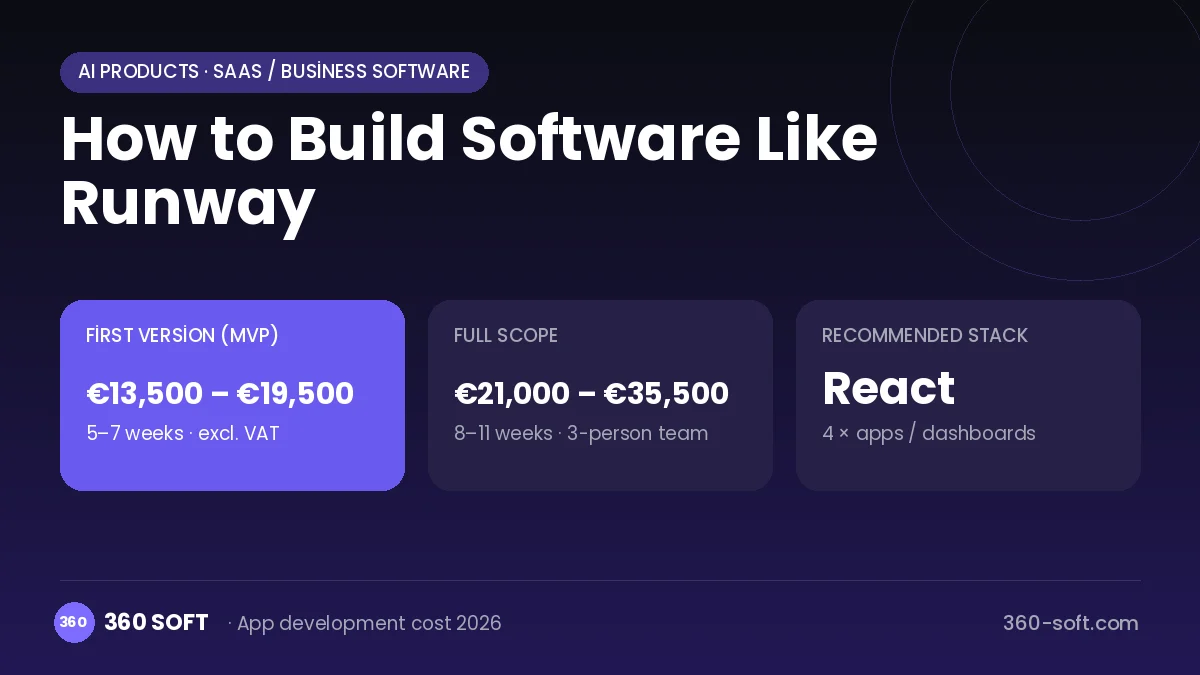
How Runway works: the core user flow
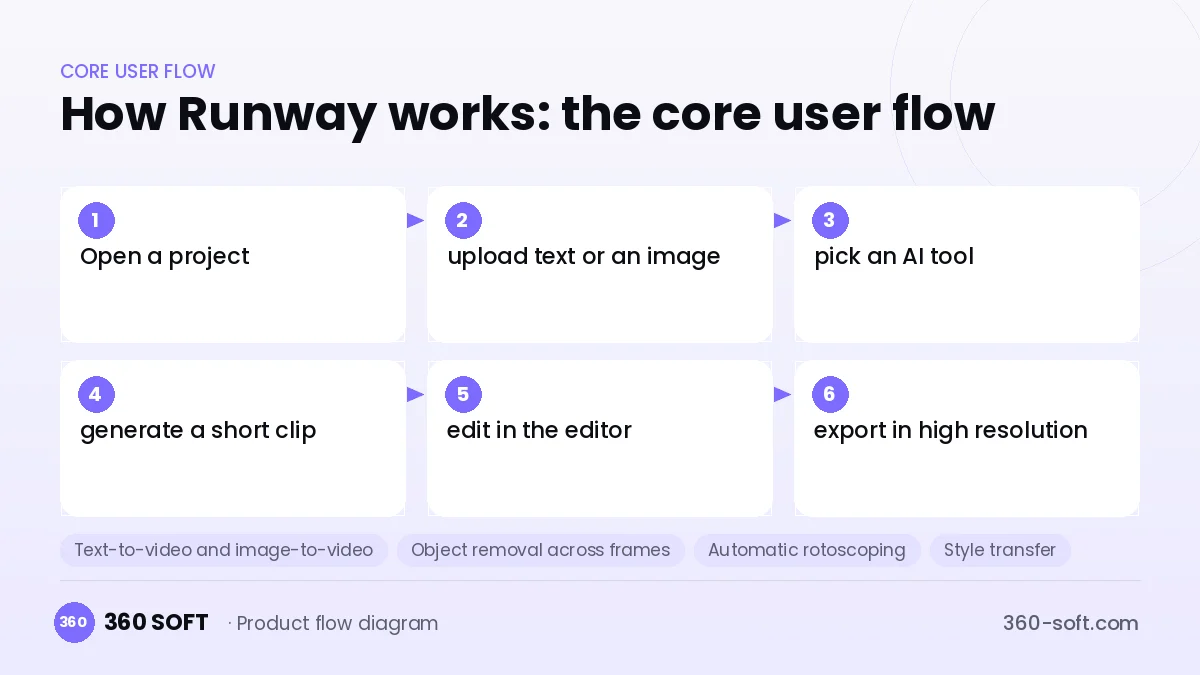
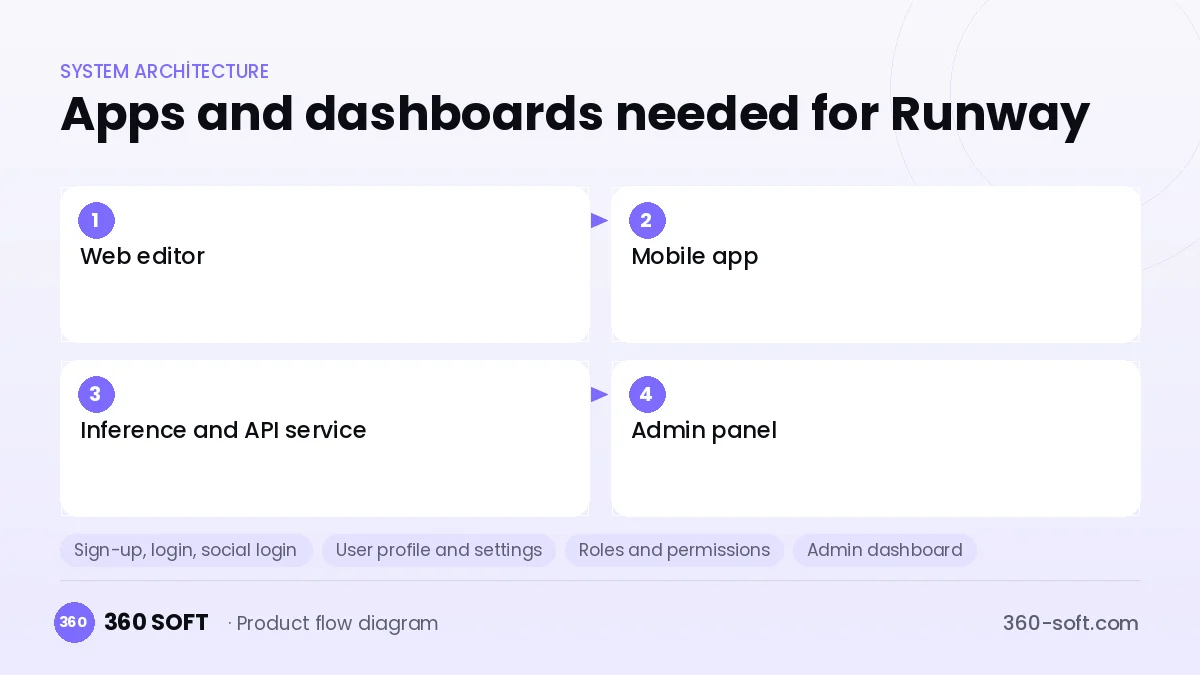
How many apps and dashboards do you need?
Web editor
The browser app where creators generate clips, draw masks and edit on a timeline.
Mobile app
A lightweight interface for quick idea tests and for sharing generated clips from a phone.
Inference and API service
The back end that runs video models on GPUs and exposes a generation endpoint to external apps.
Admin panel
The panel that manages credit consumption, model versions, content moderation and enterprise accounts.
Critical features of a product like Runway
Text-to-video and image-to-video
A short prompt or a single frame becomes a moving clip, with adjustable camera motion and duration.
Object removal across frames
An object the user marks is tracked through the whole clip and removed by filling in the background.
Automatic rotoscoping
People or objects are separated from the background to produce a mask without needing a green screen.
Style transfer
Existing footage is transformed into the look of a reference image while frame consistency is preserved.
Credits and priority queue
Each generation deducts credits by resolution and length, and higher plans get priority in the queue.
Team asset library
Generated clips, masks and references are shared and versioned per project.
What goes into the first version, what comes later
First version (MVP)
- Short clip generation from text with a ready-made video model
- Background removal and a simple masking tool
- Project and clip gallery
- Credit-based subscription and payments
- Admin panel monitoring the generation queue and content moderation
Later releases
- Full editor with a timeline
- Style transfer and object removal across frames
- Team workspace and shared library
- Video generation API for developers
Modules and how the budget is calculated
The budget is calculated with 360 SOFT’s pricing model from the modules below, about 28 screens and the project’s complexity: roughly 80 person-days for the full scope and 51 person-days for the first version. Every module you drop lowers the budget directly.
| Module | Phase |
|---|---|
| Sign-up, login, social login | First version |
| User profile and settings | First version |
| Roles and permissions | First version |
| Admin dashboard | First version |
| Subscriptions and recurring billing | First version |
| Online payments (Stripe / PSP) | First version |
| AI features (LLM, RAG, recommendations) | Later release |
| Video / voice calls | First version |
| File, photo, video upload | First version |
| Third-party API integration | First version |
| GDPR and security hardening | First version |
| Reporting and analytics | Later release |
Hosting, SMS, map APIs, app store accounts and payment-provider fees are separate items. Maintenance and improvements (optional): €300 / month. We send a fixed written price within 24 hours after a free discovery call.
The hard parts
Inference cost
Even a few seconds of video needs long computation on powerful GPUs; if pricing is set wrongly, every user loses you money.
Large file handling
High-resolution clips reach gigabytes; chunked uploads, preview proxies and CDN delivery are required.
Content safety
Generative video can be used for harmful or misleading content; prompt filters and output moderation must be built in from the start.
Business model
A credit-based freemium subscription is the best fit for this product. The free tier offers limited, watermarked generation; paid plans give more credits, higher resolution, watermark-free export and a priority queue. Enterprise licences for production companies, top-up credit packs and per-second pricing for API usage add revenue diversity.
Get a free quote for your project
Let us scope it together and send a fixed written quote within 24 hours. NDA on request; you own the source code.
Choosing a company to build an app like Runway
Most people searching “build software like runway” are really looking for a reliable app development company. When comparing quotes, check four things:
- Can you try similar products they have shipped, in the stores or live?
- Are the source code, design files, servers and store accounts transferred to you by contract?
- Do they show a working demo every two weeks, with written scope and acceptance criteria?
- Are maintenance, scaling and GDPR/security costs written into the quote?
Copyright and trademarks
A business model and features are generally not protected on their own, but the Runway name, logo, interface design, content and source code are. That is why we build a product with similar functionality but your own brand, design and code. This is not legal advice; we recommend a trademark search before launch.
Frequently asked questions
How long does it take to build software like Runway?
A first version using ready-made models and offering a few AI tools can be released in a few months. Adding a timeline editor and your own models turns the project into a multi-phase, long-term effort.
Which models can be used?
You can start with open-source video models licensed for commercial use or with paid model APIs. Model choice should be made by testing quality, generation time and unit cost together.
Will there be copyright or trademark issues?
The AI video tool business model and features are generally free to use, but the name, logo, interface design, content and code cannot be copied. The licence of the model training data should also be checked separately; this is not legal advice.
What should I look for when choosing an AI video software company?
Look for GPU infrastructure, model serving and browser-based video processing experience. For cost estimation, a team that can measure GPU consumption per credit is critical for sustainable pricing.